So here’s the thing: You want to get into solo mining, but your electricity bill is making you nervous. I totally get it. When I first started mining at home, my dad nearly had a heart attack when he saw our power bill jump by like 40% in one month. Honestly, I learned the hard way that electricity costs can absolutely kill your mining profitability if you don’t optimize them.
The cool part is: You don’t have to give up on solo mining just because power is expensive. There are actually tons of ways to reduce your electricity costs without sacrificing too much hashrate. Some of these strategies I figured out myself through trial and error, and some I learned from other miners who’ve been doing this way longer than me.
Why Solo Mining Electricity Cost Actually Matters More Than You Think
Real talk: When you’re pool mining, your electricity costs eat into profits slowly over time. But with solo mining? Every single watt matters because you might be running your rig for weeks or months before hitting a block. If your power consumption is too high, you could literally spend more on electricity than the block reward is worth.
Let me break down the math real quick. Say you’re running an Antminer S19 XP at 3010W trying to solo mine Bitcoin. At the U.S. average electricity rate of $0.16 per kWh, that’s about $11.56 per day just in power costs. Bitcoin’s current price is $66,512, and a block reward is 3.125 BTC. That means you need to find a block before spending more in electricity than you’d earn.
With 140 TH/s against Bitcoin’s current network difficulty, your odds of finding a block are… pretty low. That’s why optimizing your electricity consumption isn’t just a nice-to-have — it’s actually essential for solo mining to make any sense financially.
Understanding Your Current Solo Mining Power Consumption
Before you can optimize anything, you need to know what you’re actually using. I made the mistake of just trusting the manufacturer’s specs at first. Turns out, my Goldshell KA3 was pulling about 15% more power than advertised when running at full speed.
Tools You Actually Need
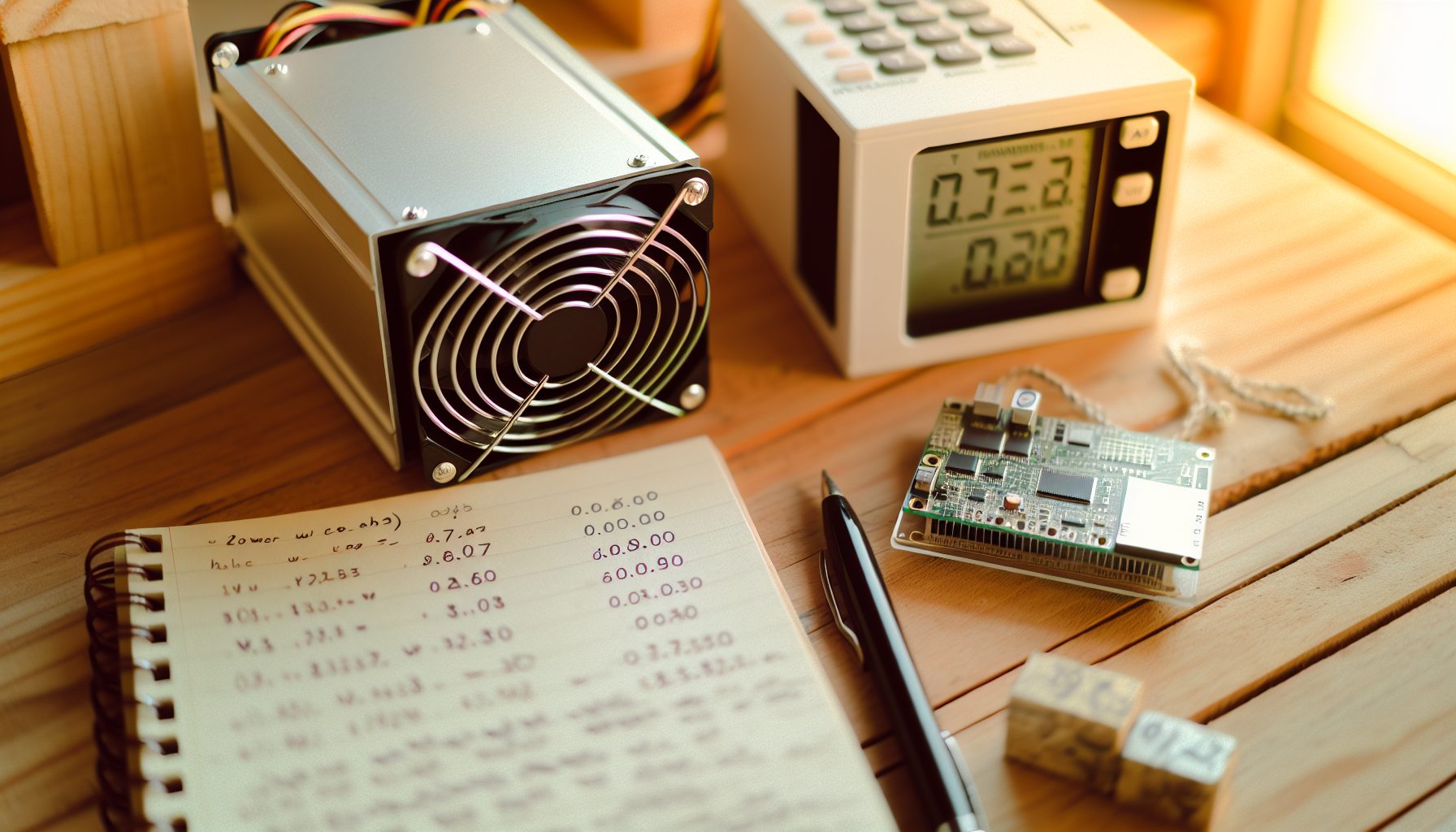
First thing: Get a Kill-A-Watt meter or similar power monitoring device. These cost like $20-30 and plug between your wall outlet and your mining rig. They’ll show you exactly how many watts you’re pulling in real-time.
Essential tool for measuring actual power draw. Shows watts, kWh, and cost calculations. Way more accurate than manufacturer specs.
For GPU rigs, use software like HWiNFO64 or GPU-Z to monitor per-card power consumption. This is super helpful when you’re trying to figure out which GPU is the power hog in your setup.
Calculate Your Baseline Costs
Here’s the formula I use:
- Daily kWh = (Watts × 24) ÷ 1000
- Daily cost = Daily kWh × Your electricity rate
- Monthly cost = Daily cost × 30
Write this number down. This is what you’re trying to reduce.
Strategy #1: Undervolting Your Mining Hardware (The Biggest Win)
Honestly, if you only do one thing from this entire article, make it undervolting. This single change dropped my power consumption by about 25% while only reducing my hashrate by maybe 8-10%. The efficiency gain is absolutely worth it for solo mining where you’re in it for the long haul.
How Undervolting Works for ASICs
Most modern ASICs let you adjust voltage settings through their web interface. The idea is simple: Lower the voltage supplied to the chips, which reduces power draw. The chips run slower, so you lose some hashrate, but the power savings are usually way bigger than the hashrate loss.
On my Whatsminer M50S, I reduced voltage from the stock setting to about 85% of max. Power consumption dropped from 3306W to around 2500W, while hashrate only went from 126 TH/s to about 115 TH/s. That’s a 24% power reduction for a 9% hashrate drop. Totally worth it.
GPU Undervolting for Solo Mining
GPUs are even easier to undervolt. I use MSI Afterburner for NVIDIA cards and it works great. Here’s my process:
- Open MSI Afterburner and click the curve editor (Ctrl+F)
- Find your current operating point (usually around 1800-2000 MHz)
- Drag that point down to a lower voltage (start with -100mV)
- Test stability by mining for 30 minutes
- If stable, try another -50mV
For Ravencoin solo mining with GPUs, I got my RTX 3070 down to about 120W from the stock 220W, and it still delivers solid hashrate on the KawPow algorithm. The card runs cooler too, which means less fan noise and potentially longer lifespan.
Essential GPU tuning software. Undervolt, overclock memory, and monitor temps all in one interface. Works with any GPU brand despite the MSI name.
Strategy #2: Taking Advantage of Time-of-Use Electricity Rates
This one depends on your utility company, but it’s a game-changer if you have access to it. Some power companies offer time-of-use (TOU) rates where electricity costs way less during off-peak hours, usually at night.
My local utility has a plan where power is $0.08/kWh from 9 PM to 6 AM, but $0.22/kWh during peak hours. That’s a huge difference. Since solo mining doesn’t require 24/7 operation if you’re strategic about it, I run my rigs primarily during cheap hours.
Setting Up Automated Schedules
For ASICs, you can use smart plugs with scheduling features. I use TP-Link Kasa smart plugs that let me set up schedules through an app. The miner automatically starts when cheap power kicks in and shuts down before peak rates begin.
Important note: Make sure your smart plug can handle the amperage your miner draws. Most standard smart plugs max out at 15A, which is fine for most single-unit setups but not for multiple ASICs on one circuit.
The Solo Mining Time-of-Use Trade-off
Here’s where it gets interesting for solo mining specifically. Running 12 hours a day instead of 24 obviously cuts your block-finding chances roughly in half. But if your electricity costs drop by 60% during those hours, your overall profitability can actually improve.
Let me show you with Kaspa solo mining as an example. Running a GPU rig 24/7 at $0.15/kWh average costs about $10.80 per day for 300W power draw. Running only during off-peak at $0.08/kWh costs $0.576 per day for 12 hours. Even though you’re mining half the time, you’re spending way less on electricity while still having reasonable odds of hitting a block on lower-difficulty coins.
Strategy #3: Choosing the Right Solo Mining Hardware for Efficiency
Not all mining hardware is created equal when it comes to power efficiency. The watts per unit of hashrate (J/TH for ASICs, W per MH/s for GPUs) varies wildly between models.
Efficiency-Focused ASIC Choices
For Bitcoin solo mining, the newer ASICs are way more efficient. An Antminer S21 Hyd delivers about 335 TH/s at 5360W, which is roughly 16 J/TH. Compare that to older models like the S9 at 95 J/TH, and you can see why efficiency matters so much for long-term solo mining.
For Litecoin solo mining, the latest Scrypt ASICs are also significantly more efficient than what was available even two years ago. The Goldshell Mini-Doge Pro pulls only 220W for 205 MH/s of Scrypt hashrate, making it way more practical for home solo mining than older, power-hungry units.
GPU Selection for Algorithm-Specific Solo Mining
When solo mining GPU-friendly coins like Vertcoin or Firo, NVIDIA’s RTX 30-series cards offer solid efficiency after undervolting. AMD’s RX 6000 series is also pretty good, especially for certain algorithms.
The RTX 3060 Ti is honestly my favorite for efficiency. After tuning, it runs at about 120W while delivering strong hashrate on most GPU-mineable algorithms. It’s not the fastest card, but for solo mining where you’re running long-term, efficiency beats raw performance.
Strong efficiency after undervolting (120W achievable). Good for KawPow, Autolykos2, and other GPU algorithms. Decent resale value if mining doesn’t work out.
Strategy #4: Optimize Your Mining Environment and Cooling
Something I didn’t realize at first: Your ambient temperature and airflow setup can significantly impact power consumption. When your mining hardware runs hotter, fans spin faster, drawing more power. Plus, heat can reduce chip efficiency, causing the hardware to draw more power for the same hashrate.
Airflow Optimization
I moved my mining rig from a closed bedroom to my garage where I could set up proper ventilation. Just this change dropped my GPU temperatures by about 15°C, which let me reduce fan speeds and save maybe 30-40W across the whole rig.
For ASIC miners, positioning matters too. Don’t stack them or place them against walls where hot exhaust can recirculate back into the intake. I use a simple box fan positioned to pull hot air away from my miners and push it outside. The box fan uses about 50W, but it saves more than that by keeping my ASICs cooler and running more efficiently.
Seasonal Considerations
Winter mining is way more efficient than summer if you live somewhere with cold winters. I actually use my mining rigs as space heaters during winter months, which offsets heating costs. During summer, I either reduce mining during the hottest parts of the day or move equipment to the coolest part of my house.
Strategy #5: Smart Pool vs Solo Mining Electricity Decisions
Okay, so this might sound weird on a solo mining site, but hear me out. Sometimes the smartest electricity optimization strategy for solo mining is to hybrid your approach based on market conditions and coin difficulty.
When to Pool Mine to Cover Electricity Costs
During particularly tough periods—maybe Bitcoin difficulty just jumped, or electricity rates are seasonally high—you can temporarily point your hashrate at a regular pool to generate steady income that covers your power bills. Then switch back to solo mining when conditions improve.
I do this with my GPU rig sometimes. When Ravencoin solo mining odds get too long because difficulty spiked, I’ll pool mine for a week or two to build up a buffer, then go back to solo.
Using Public-Pool.io for Lottery Mining
Services like Public-Pool.io let you “solo mine” through their infrastructure, which can actually save electricity in some scenarios. You don’t need to run a full node, which saves you the power consumption of running a node 24/7. For something like Dogecoin solo mining, running a full node can add 50-100W to your power bill depending on your hardware.
The trade-off is you pay a small pool fee (usually 1-2%), but you save on node power consumption and don’t risk orphaned blocks from network latency issues.
Strategy #6: Strategic Coin Selection Based on Solo Mining Electricity ROI
Not all coins are equal when you factor in electricity costs against realistic solo mining odds. Some lower-difficulty coins give you way better odds of hitting blocks frequently enough that electricity costs don’t become a major burden.
Lower Difficulty Coins with Better Solo Mining Economics
Check out our guide to the best coins for solo mining with low hashrate. Coins like Neoxa, Clore.ai, and Warthog have lower network difficulties where even modest hashrate gives you realistic chances of finding blocks regularly.
For CPU mining, Zephyr and Monero with a high-end CPU can work because the power consumption of a CPU is way lower than GPUs or ASICs. My Ryzen 9 7950X pulls about 140W when mining RandomX, which is less than a single high-end GPU.
Probability Math for Electricity Planning
Use our solo mining probability chart to calculate expected time to block. Then multiply that by your daily electricity cost to see if the block reward makes sense.
Example: You’re solo mining a coin where you have a 5% chance of finding a block per day. That means average time to block is 20 days. If your daily electricity cost is $5, you’ll spend about $100 in power before finding a block. If the block reward is worth $150, you’re profitable. If it’s worth $80, you’re losing money on electricity alone.
Strategy #7: Hardware Modifications and Advanced Optimization
This section is for the more adventurous solo miners. These strategies require more technical knowledge and carry some risk, but they can seriously reduce power consumption.
ASIC Firmware Modifications
Custom firmware like BraiinsOS for Antminers gives you way more control over voltage and frequency settings than stock firmware. I’ve used it on older S9s to reduce power consumption by up to 30% through aggressive undervolting that wasn’t possible with factory firmware.
Be careful though: Custom firmware can void warranties and potentially brick your ASIC if done incorrectly. Only try this if you’re comfortable with the risks and have researched your specific model thoroughly.
Immersion Cooling for Efficiency Gains
This is definitely advanced territory, but immersion cooling (submerging your mining hardware in dielectric fluid) can improve efficiency by 10-20% by keeping chips at optimal temperatures with minimal fan power. The Antminer S21 Hyd is designed for hydro cooling from the factory, which is similar in principle.
I haven’t personally gone this route because the upfront cost is high, but some solo miners swear by it for long-term operations where electricity savings compound over months and years.
Real Talk: When Solo Mining Electricity Costs Don’t Make Sense
Okay, time for some honesty. There are situations where optimizing electricity costs for solo mining just isn’t worth it, and you need to be realistic about this.
If your electricity rate is above $0.25/kWh, solo mining Bitcoin or Litecoin with ASICs probably doesn’t make financial sense unless you’re doing it purely as a hobby. The math just doesn’t work out. Even with perfect optimization, you’re fighting an uphill battle against electricity costs.
I live in an area with $0.16/kWh rates, which is borderline. During bear markets when coin prices drop, I’ve had to make tough decisions about whether to keep mining or shut down temporarily. There’s no shame in turning off your rigs when the numbers don’t work.
The Raspberry Pi Bitcoin Mining Reality Check
Some people ask about ultra-low-power solutions like Raspberry Pi mining or the FutureBit Apollo. These are cool educational tools, and they barely use any power (the Apollo uses about 200W), but your odds of finding a Bitcoin block are astronomically low. They’re basically lottery tickets that also teach you about mining.
The Apollo makes more sense if you value the learning experience and running your own node than if you’re purely looking at electricity cost ROI.
My Personal Setup and Electricity Optimization Results
So what do I actually run? Right now my main solo mining rig is a mix of undervolted RTX 3070s that I rotate between different coins based on difficulty and profitability. Total power draw is about 600W for the whole rig after optimization, down from about 850W when I first built it.
I mine during off-peak electricity hours (9 PM to 6 AM) when rates drop to $0.08/kWh. This costs me about $3.60 per day in electricity. I primarily target lower-difficulty coins where my 200 MH/s on KawPow or similar hashrate on other algorithms gives me realistic monthly block odds.
For CPU mining, I run SRBMiner on my main PC overnight when I’m not using it, targeting RandomX coins. The CPU uses about 140W, which costs roughly $0.27 for the 8 hours it runs each night.
Some months I hit multiple blocks, other months I get nothing. That’s solo mining. But by keeping electricity costs optimized, I’m profitable over the long term even with the variance.
Hidden Gem: Mining During Grid Surplus Events
Here’s something most guides don’t mention: Some utilities and even states have programs where they’ll actually pay you to use more electricity during surplus periods. This happens with renewable energy when production exceeds demand—they need someone to consume it or it goes to waste.
Texas has a program like this through certain providers where during negative pricing events, your electricity cost can literally go negative. I’ve heard of miners who get paid to mine during these periods. Setting up automated systems to take advantage of this is complex, but for serious solo miners, it’s worth researching if your area has similar programs.
Another approach: Some solar installers offer time-of-day plans with super cheap rates during peak solar hours (11 AM to 3 PM). If you can mine during these windows, you’re basically using nearly free solar surplus.
Tools and Software for Monitoring Solo Mining Power Consumption
You can’t optimize what you don’t measure. Here are the tools I use to track power consumption and costs:
Hardware Monitoring
- Kill-A-Watt Meter: For individual ASIC and rig measurements
- Smart PDUs: Power distribution units with per-outlet monitoring if you run multiple devices
- Whole-house energy monitor: Devices like Sense or Emporia that clip onto your breaker panel and show real-time home power consumption
Software Solutions
For GPU mining, BzMiner and NBMiner both show power consumption per card. This helps identify which GPUs are inefficient after tuning.
For tracking costs over time, I use a simple spreadsheet where I log daily kWh usage from my Kill-A-Watt meter and multiply by my electricity rate. Low-tech but effective.
Frequently Asked Questions About Solo Mining Electricity Cost
What is the average electricity cost for solo mining Bitcoin at home?
It depends entirely on your hardware and local electricity rates. An efficient modern ASIC like the Antminer S19 XP running at 3010W costs about $11.56 per day at the U.S. average rate of $0.16/kWh. After undervolting to around 2400W, you can get this down to about $9.22 per day. Monthly, that’s around $276 in electricity costs. Whether this makes sense for solo mining Bitcoin depends on your hashrate and realistic block-finding odds.
Can I profitably solo mine if my electricity costs more than $0.20/kWh?
Real talk: It’s really tough to make solo mining work with electricity above $0.20/kWh unless you’re targeting very low difficulty coins or using extremely efficient hardware. At those rates, you might want to consider coins with lower network difficulty where you can find blocks more frequently, making the electricity cost a smaller percentage of your total block rewards. Check our solo mining profitability comparison to see which coins might still work at higher electricity rates. Sometimes pool mining makes more sense at premium electricity rates.
Does undervolting really save enough electricity to matter for solo mining?
Absolutely. Undervolting is probably the single biggest electricity cost reduction you can achieve without buying new hardware. On GPUs, I consistently see 25-35% power reduction with only 5-10% hashrate loss. On ASICs, results vary by model, but 20-25% power savings are common with 8-12% hashrate reduction. For long-term solo mining where you’re running hardware continuously for weeks or months between blocks, these savings add up significantly. On a rig pulling 1000W, a 30% reduction saves you about $1.15 per day at $0.16/kWh, or roughly $35 per month.
Should I run my solo mining rig 24/7 or only during cheap electricity hours?
This depends on your time-of-use rate differential and the coin you’re mining. If you have a big difference between peak and off-peak rates (like $0.08 vs $0.22/kWh), running only during cheap hours can improve your overall profitability even though you’re mining fewer hours per day. The math depends on whether the electricity cost savings outweigh the reduced block-finding opportunities. For higher-difficulty coins where blocks are rare anyway, strategic timing works great. For lower-difficulty coins where you might find blocks weekly, 24/7 operation makes more sense.
What’s the most power-efficient coin for solo mining at home?
For ASICs, Kaspa solo mining with modern KHeavyHash ASICs offers good efficiency and decent solo mining odds. For GPUs, coins using the Blake3 algorithm like Alephium are efficient. For CPUs, RandomX coins like Monero are your best bet because they’re designed for CPU mining, making them relatively efficient per watt compared to trying to mine other algorithms on CPUs. The “most efficient” really depends on what hardware you have available, but generally, newer algorithm-specific hardware beats older general-purpose miners.