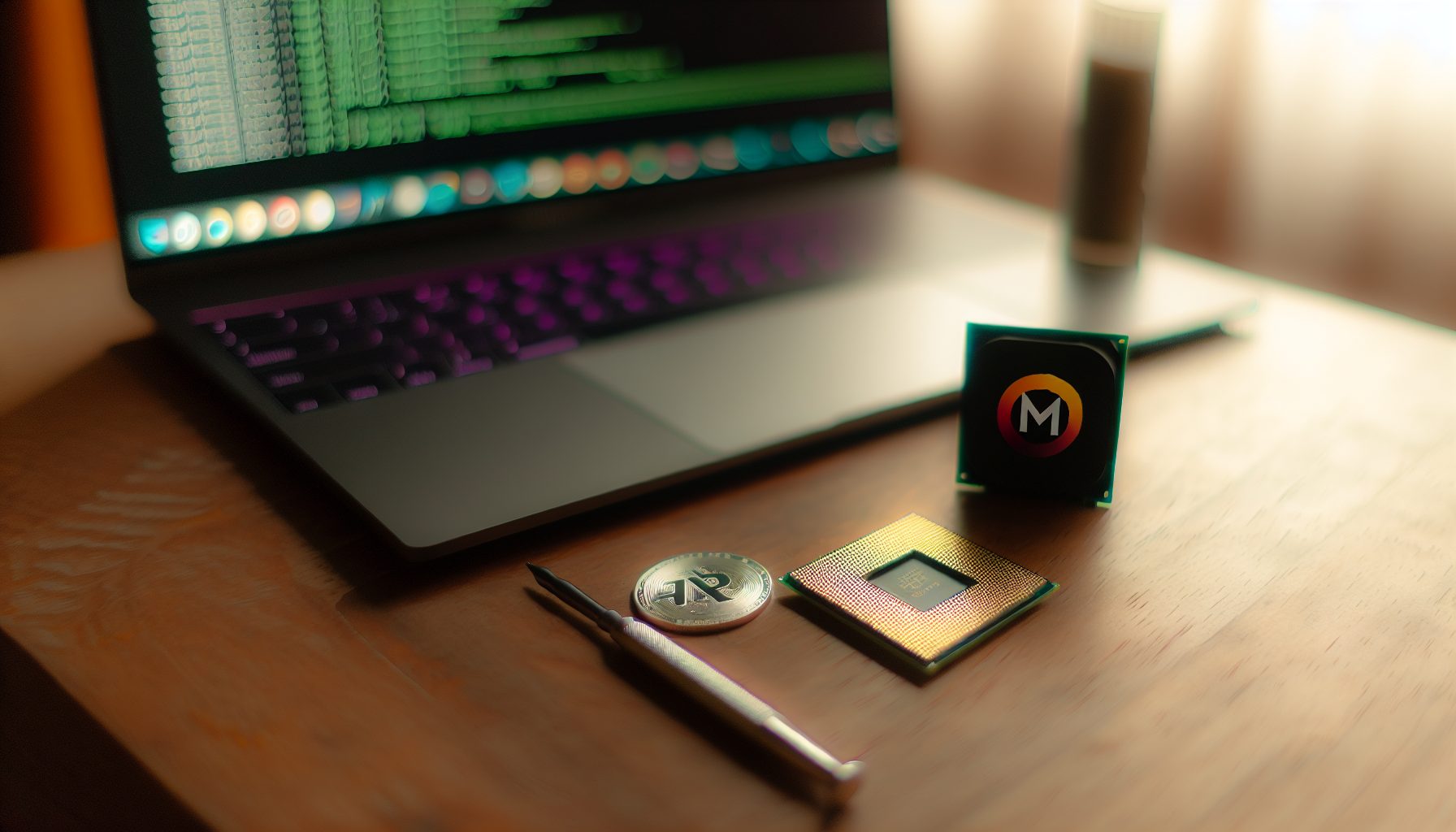
Real talk: The Ryzen 9 7950X is basically the dream CPU for anyone serious about Monero solo mining. When I first heard you could actually solo mine a privacy coin with just a processor, I thought people were messing with me. But then I learned about RandomX — Monero’s CPU-friendly algorithm — and everything clicked.
The 7950X isn’t just some gaming CPU that happens to mine okay. It’s a 16-core monster specifically built for the kind of workload RandomX throws at it. We’re talking about 19-20 KH/s when properly tuned, which puts you in actual contention for solo blocks.
Trust me on this: CPU mining isn’t dead. It’s just become highly specialized, and Monero is where it still makes sense.
Why the Ryzen 9 7950X Dominates RandomX Performance
RandomX was literally designed to favor modern CPUs with strong cache and memory bandwidth. The 7950X checks every box:
- 16 cores / 32 threads of compute power
- 64MB L3 cache (RandomX loves cache)
- DDR5 support with high bandwidth
- Zen 4 architecture optimized for complex instruction sets
When AMD released this chip in September 2026, Monero miners immediately recognized what it could do. The architecture improvements over Zen 3 gave it about 15-20% better RandomX performance per core. Combine that with more cores and you’ve got a serious mining machine.
Here’s what surprised me though: The 7950X actually beats most server CPUs in efficiency. Sure, a Threadripper has more cores, but the power consumption scales badly. The 7950X hits that sweet spot where you get massive hashrate without needing a dedicated circuit in your house.
RandomX Algorithm Basics for Solo Miners
RandomX isn’t like the GPU algorithms you might know. It creates random programs that your CPU has to execute, which means:
- General-purpose CPUs have huge advantages
- ASICs can’t be built economically for it
- Memory speed and cache size directly impact hashrate
- Each core can work independently on finding blocks
This is why Monero remains one of the few coins where solo mining with consumer hardware actually makes sense. You’re not competing against warehouse farms of specialized equipment.
Ryzen 9 7950X Monero Solo Mining Hashrate Reality Check
Okay, let’s get into actual numbers. When I first set up a 7950X for Monero mining, I was getting around 16.5 KH/s out of the box. Pretty good, honestly. But that’s nowhere near what this chip can do.
After proper optimization (which we’ll cover in detail):
- Stock settings: 16.5-17.5 KH/s at 170W package power
- Basic optimization: 18.5-19.2 KH/s at 140-150W
- Fully tuned: 19.8-20.5 KH/s at 120-135W
- Extreme tuning: 21+ KH/s possible but requires exotic cooling
That third category is where most serious solo miners land. You sacrifice maybe 5% potential hashrate to cut power consumption by 30-40%. For 24/7 operation, this is the way.
The current Monero network hashrate sits around 2.8 GH/s (that’s 2,800,000 KH/s). With 20 KH/s, you control about 0.0007% of the network. Not much, sure. But Monero’s block time is 2 minutes, so blocks come 720 times per day.
Your expected time to find a solo block? Roughly 1,400-1,500 days at 20 KH/s. That’s almost 4 years.
Now before you close this tab — remember that solo mining is a lottery. I know a guy who found his first Monero block after just 3 weeks with a similar setup. Another friend is at 8 months with nothing. The math is brutal but the possibility is real.
16-core powerhouse delivering 19-20 KH/s on RandomX when tuned. Best CPU for serious Monero solo mining in 2026.
Complete Optimization Guide: Squeezing Every Hash from Your Setup
This is where it gets fun. The difference between a stock 7950X and a properly tuned one is literally 3-4 KH/s. That’s like adding a whole extra mid-range CPU for free.
BIOS Settings That Actually Matter
First stop: your motherboard BIOS. Most “auto” settings are terrible for mining workloads.
Essential changes:
- PBO (Precision Boost Overdrive): Enable it, then manually set limits
- Curve Optimizer: Start with -15 on all cores, test stability, push to -20 or -25 if stable
- Memory: Enable XMP/EXPO profile for your RAM — this matters more than you’d think
- C-States: Keep enabled (saves power when cores are idle, though they won’t be)
- SMT (Simultaneous Multithreading): Definitely enabled for RandomX
The Curve Optimizer is your secret weapon here. It undervolts each core individually, reducing heat and power draw without losing performance. I run -22 on my best cores and -20 on the rest, which dropped my package power from 165W to 128W with zero hashrate loss.
Memory timings deserve special attention: RandomX is memory-bound in many scenarios. DDR5-6000 CL30 is the sweet spot for Zen 4. If you’re running slower RAM, you’re leaving hashrate on the table. I gained about 1.2 KH/s just by switching from DDR5-4800 to DDR5-6000.
Operating System and Mining Software Setup
Windows vs Linux? For Monero mining, Linux typically gives you 2-5% better performance due to lower overhead. But honestly, if you’re comfortable with Windows, the difference isn’t huge.
I run Windows 11 because I also use this machine for other stuff. Here’s what I optimize:
- Disable Windows Search indexing on your mining drive
- Set power plan to “High Performance”
- Disable unnecessary background apps and telemetry
- Run XMRig as administrator (required for huge pages)
Huge Pages are critical — this is where a lot of beginners lose 10-15% hashrate without realizing it. On Windows, you need to enable “Lock pages in memory” in Local Security Policy and grant that privilege to your user account. Linux requires setting up huge pages in sysctl.
For mining software, XMRig is the standard. It’s open source, constantly updated, and has the best RandomX implementation. If you want to understand solo mining configuration better, check out our SRBMiner Solo Mining guide which covers similar concepts for other algorithms.
XMRig Configuration for Solo Mining
Here’s a basic config.json setup for solo mining Monero with the 7950X:
Key configuration parameters:
- “algo”: “rx/0” — This is the RandomX variant for Monero
- “url”: Point to your local Monero node (usually 127.0.0.1:18081)
- “user”: Your Monero wallet address
- “huge-pages”: true — Absolutely essential
- “cpu”: { “enabled”: true, “huge-pages”: true, “hw-aes”: true }
- “randomx”: { “mode”: “auto”, “1gb-pages”: true }
The 1GB pages option is relatively new and can boost performance by another 0.5-1% if your system supports it. Not all motherboards handle this well, so test stability.
For thread count, let XMRig auto-detect initially. It usually suggests 16 threads for the 7950X, which works great. Some people experiment with 32 threads (using SMT), but in my testing, 16 physical cores perform slightly better — around 0.3 KH/s difference.
Running Your Own Monero Node for True Solo Mining
Real solo mining means pointing your miner directly at your own Monero node, not a pool’s “solo” port. This is important: many pools offer “solo mining” options where you mine alone but still connect through their infrastructure. That’s not the same thing.
Setting up a Monero node isn’t complicated but it does require patience:
- Download Monero GUI or CLI from getmonero.org
- Sync the blockchain (currently around 180GB, takes 1-3 days depending on your connection)
- Enable RPC server and set up your mining configuration
- Point XMRig to localhost:18081
The blockchain sync is honestly the most annoying part. I let mine run for about 40 hours on a decent internet connection. After that, daily updates take like 2-3 minutes.
Why bother with your own node? Because you’re mining solo, you control everything. No pool fees (though Monero pools typically charge 0% for actual solo mining anyway), no pool downtime, no trusting third parties with your block finds. If you find a block, it’s 100% yours — currently 0.6 XMR per block, which is about $343.84 at today’s prices.
Running a full node also supports the Monero network, which is kind of the whole point of a decentralized privacy coin. Plus, honestly? It’s just cooler. When you find that solo block, you found it through your own infrastructure.
Power Consumption and Operating Costs Reality
Let’s talk about the part that actually hits your wallet every month: electricity.
A stock 7950X mining Monero pulls around 170W at the package. Add motherboard, RAM, SSD, and fans, and you’re looking at 220-250W total system power. That’s not bad for the hashrate, but it adds up.
After optimization, I got my system down to 150W total draw (120W CPU package power). Here’s what that costs:
- At $0.10/kWh: $1.08 per day, $32.40 per month
- At $0.15/kWh: $1.62 per day, $48.60 per month
- At $0.20/kWh: $2.16 per day, $64.80 per month
Now compare that to potential earnings. At 20 KH/s, you’d earn about $0.35-0.40 per day if you were pool mining (which defeats the point of solo mining, but it’s a useful comparison). So yeah, you’re operating at a loss in pure electricity terms.
Honest warning: Solo mining Monero with a Ryzen is not profitable in the traditional sense. You will spend more on electricity than the average expected value of your block rewards over the same period. This is a lottery ticket, not a steady income stream.
I mine anyway because:
- The thrill of potentially finding a block is worth the $30-40/month to me
- I support the Monero network and believe in privacy-focused cryptocurrency
- My setup doubles as a space heater in winter (seriously, 150W of heat isn’t nothing)
- I’ve learned a ton about CPU architecture and mining optimization
If you’re paying more than $0.20/kWh, think hard about whether this makes sense for you. Our Solo Mining Bear Market Strategy guide covers the psychology of mining at a loss, which is worth reading before you commit to 24/7 operation.
Cooling and Noise Management for 24/7 Operation
Here’s something I learned the hard way: a 7950X running RandomX 24/7 gets HOT. We’re talking 75-85°C sustained temperatures if you’re not careful.
My first week of mining, I was using the stock cooler from my previous CPU (big mistake). The chip kept thermal throttling down to 14 KH/s whenever it hit 95°C. That’s when I realized proper cooling isn’t optional for mining workloads.
Cooler Recommendations
For the 7950X specifically, you need something substantial:
Air cooling options:
- Noctua NH-D15 — The classic, keeps it under 70°C even at full load
- Deepcool AK620 — Budget option that still performs great
- Be Quiet Dark Rock Pro 4 — Best for silent operation
AIO liquid cooling:
- 280mm or 360mm radiators work best
- Arctic Liquid Freezer II series offers great value
- NZXT Kraken if you want RGB and monitoring software
I went with a 280mm AIO after my stock cooler disaster. Temps now sit at 62-68°C under full mining load, and the 7950X boosts more consistently because it’s not thermal throttling. This actually gained me about 0.8 KH/s just from better sustained boost clocks.
Premium air cooler that handles 7950X mining loads with ease. Quiet operation and no maintenance required unlike AIOs.
Noise Considerations
Mining rigs are loud. There’s no way around it. A 7950X under full load spins fans up to keep that heat under control.
My setup sits in my room, so noise was a real concern. Here’s what helped:
- Custom fan curves in BIOS (ramp up gradually, not aggressively)
- Quality case fans (Noctua NF-A12x25 are expensive but whisper-quiet)
- Acoustic foam panels on the inside of case panels
- Undervolting via Curve Optimizer (less heat = less fan speed needed)
Even with all that, it’s still audible. I’d rate it at maybe 35-40 dB from across the room. Noticeable but not annoying. If you’re sensitive to noise, consider whether you want a mining rig running 24/7 in your living space.
Solo Mining Probability and Block Finding Reality
Okay, the part everyone actually cares about: what are your real chances?
With 20 KH/s on the Monero network, your probability of finding a block on any given 2-minute interval is roughly 0.000007. Yeah. Tiny.
But blocks happen every 2 minutes, so you get 720 chances per day. Over a year, that’s 262,800 chances. Your cumulative probability of finding at least one block in a year is about 17-18%.
Another way to think about it: You’d need to run this setup for about 4 years to have a 50% chance of finding a single block. But here’s the thing — that’s not how probability works in practice. You might find one in week 1. You might go 10 years without finding one.
For a more detailed breakdown of solo mining odds across different coins, check out our Solo Mining Probability Chart 2026 guide.
Increasing Your Odds Without Spending on More CPUs
If 4 years feels too long (and honestly, it should), you have a few options:
- Add more 7950X systems: Two rigs double your hashrate and halve your expected time. Obviously doubles power costs too.
- Mine alternative RandomX coins: Some smaller RandomX coins have lower network hashrates, making solo blocks more likely. Check what’s currently active.
- Consider pool mining with payout threshold: Not technically solo, but some pools let you mine with a very high payout threshold, so you’re essentially betting on rare larger payouts.
- Solo mine multiple coins simultaneously: Our guide on Solo Mining Multiple Coins Simultaneously explores this strategy.
I’m personally running one 7950X on Monero solo and considering adding a second system. The psychology of solo mining is weird — you know the math says it’ll take forever, but the possibility of that notification saying “Block found!” keeps you going.
Our Solo Mining Psychology guide actually covers this mental game really well. Worth reading if you’re considering long-term solo mining.
Alternative RandomX Coins Worth Considering
Monero is the flagship RandomX coin, but it’s not the only one. Several other cryptocurrencies use RandomX variants, and some have much lower network hashrates.
Notable RandomX coins:
- Monero (XMR): The original, highest security, but toughest to solo mine
- Wownero (WOW): Monero meme fork, much lower hashrate (~50 MH/s), better solo odds
- Arqma (ARQ): Small community project, very low hashrate
- Scala (XLA): Mobile-focused privacy coin using RandomX
The trade-off is obvious: lower hashrate means better block odds, but also means the coin is less established and potentially worth less. Wownero is probably the most credible alternative — it has an active community and maintains decent liquidity on exchanges.
With 20 KH/s on Wownero, your expected time to block drops to maybe 50-100 days instead of 1,400. Way more reasonable for actually experiencing a solo block find while the coin still has some real value.
If you’re interested in exploring which coins make sense for solo mining with limited hashrate, our Best Solo Mining Coins for Low Hashrate guide covers exactly this scenario.
My Personal 7950X Solo Mining Experience
I built my 7950X mining rig in March 2026. Total cost was around $900 for the CPU, motherboard, RAM, and a basic case with PSU. Cooler was another $120. So call it $1,020 all-in.
The first month was mostly learning curve. I ran stock settings and got maybe 16.8 KH/s while pulling 240W at the wall. My electricity cost was about $52 that month with zero blocks found (obviously — I knew the odds going in).
Month two, I dove into optimization. Spent a weekend learning about Curve Optimizer, memory timings, and XMRig tuning. Got my hashrate up to 19.6 KH/s and power draw down to 155W. Felt like a huge win even though my chances only improved by about 15%.
I’m now at month 11. Still no block. Still mining. Honestly? I’ve thought about stopping a few times. The rational part of my brain knows I’m burning $35-40 a month for something that probably won’t pay off for years.
But then I see posts on Reddit about someone finding their first block after 2 months, and I’m like… yeah, I’m keeping this running.
The other thing that keeps me going: I’ve learned SO much. CPU architecture, memory bandwidth, thermal management, network protocols, cryptocurrency economics. This rig has been my education in hardware optimization, and that knowledge is worth more than the electricity cost to me.
Plus, my room is toasty warm all winter. Seriously, I barely used my actual heater this year.
Building the Complete System: More Than Just a CPU
The 7950X is the star, but you need a complete system around it. Here’s what matters for a dedicated mining build:
Motherboard Selection
You don’t need a flagship X670E board. A solid B650 is plenty for mining:
- ASUS TUF Gaming B650-Plus: Great VRM cooling, good BIOS
- MSI B650 Tomahawk: Excellent value, stable memory support
- ASRock B650M-HDV/M.2: Budget option if you’re cost-conscious
Key features to look for: Good VRM heatsinks (mining loads are sustained 24/7), at least two M.2 slots (one for OS, one for blockchain if you’re running a node), DDR5 support.
Solid mid-range AM5 board with good VRM cooling and stable RAM support for 24/7 mining. Everything you need without flagship prices.
Memory Configuration
DDR5 is mandatory for AM5 platform. For RandomX specifically, you want:
- 32GB minimum (16GB works but gives slightly lower hashrate)
- DDR5-6000 CL30 is the sweet spot for Zen 4
- Two sticks for dual-channel (don’t use four sticks unless you need 64GB)
G.Skill Flare X5 and Corsair Vengeance DDR5 are both solid choices. I run 32GB DDR5-6000 CL30 and it’s been rock solid stable.
Storage and PSU
For storage: 500GB NVMe SSD is plenty if you’re not running a full node on the same system. If you are running the Monero node locally (which I recommend), get at least 1TB to have room for the blockchain and future growth.
PSU: 650W is overkill but gives you headroom and runs quieter. A quality 550W 80+ Gold is actually fine for this setup. Bronze-rated PSUs are less efficient and you’ll waste money on electricity over time.
Frequently Asked Questions
Is the Ryzen 9 7950X actually profitable for Monero solo mining?
No, not in terms of steady income. You’ll spend more on electricity than the average expected value of your block rewards over the same period. A 7950X costs about $30-50 monthly in power depending on your rates, while your expected block reward over that same month is maybe $0.50-2.00 at current network difficulty. Solo mining is a lottery ticket — you might find a block worth ~$100 (0.6 XMR), or you might find nothing for years. Only mine solo if you understand and accept the lottery nature of it.
How long until I find a Monero block with 20 KH/s?
The statistical expected time is around 1,400-1,500 days (roughly 4 years) at current network difficulty. But this is an average — actual results vary wildly. You could find a block in your first week or go 10 years without one. Think of it like rolling a 262,800-sided die every day and needing to hit a specific number. Your annual probability is only about 17-18% of finding at least one block.
Can I mine other coins with the Ryzen 9 7950X besides Monero?
Yes, any RandomX-based coin works great with the 7950X. Wownero is the most popular alternative — it has much lower network hashrate than Monero, giving you better block odds (maybe 50-100 days instead of 1,400). The trade-off is that Wownero is less established and worth less per coin. Other RandomX options include Scala and Arqma, but liquidity gets sketchy with smaller coins. You can also mine different algorithm coins but the 7950X won’t be as competitive.
Do I need to run my own Monero node for solo mining?
For true solo mining, yes. Running your own node means you’re mining completely independently — no pool infrastructure, no trusting third parties, full control. You point your miner (XMRig) directly at your local node on port 18081. Some pools offer “solo mining” options where you mine alone but connect through their servers. That’s not the same thing. The Monero blockchain is currently around 180GB and takes 1-3 days to sync initially, then a few minutes daily for updates. Worth it for the full solo experience.
What’s the best XMRig configuration for the Ryzen 9 7950X?
Enable huge pages (essential for performance), use 16 threads (one per physical core typically performs better than 32 with SMT), enable 1GB pages if your system supports it, and let XMRig auto-detect most other settings initially. Point it to your local node at 127.0.0.1:18081 with your Monero wallet address as the username. In BIOS, enable PBO and tune Curve Optimizer to -20 to -25 on all cores for better efficiency. Use DDR5-6000 RAM if possible. This setup should deliver 19.5-20.5 KH/s at 120-140W CPU package power.
Final Thoughts: Is This Setup Worth It for You?
The Ryzen 9 7950X is genuinely the best CPU you can buy for Monero solo mining in 2026. Nothing else delivers this combination of hashrate, efficiency, and mainstream availability. But “best for solo mining” doesn’t automatically mean “good financial decision.”
You should build this setup if:
- You understand solo mining is a lottery and accept potentially years without a block
- The electricity cost ($30-50/month) is something you can absorb without stress
- You believe in Monero’s privacy mission and want to support the network
- You enjoy the learning process and technical optimization challenge
- Finding a solo block would genuinely excite you even if it takes years
Skip this setup if:
- You need consistent mining income (do pool mining or mine a different coin)
- You’re paying more than $0.20/kWh and tight on budget
- Long-term projects without guaranteed payoff frustrate you
- You don’t have space for a system running 24/7 at moderate noise levels
For me? This has been one of my favorite projects. Sure, I haven’t found a block yet. But I’ve learned more about computer hardware in the past year than I did in the three years before. I’ve optimized cooling, tuned voltages, monitored network difficulty trends, and honestly just enjoyed having a project that’s always running in the background.
Plus there’s something genuinely cool about participating in a decentralized cryptocurrency network with your own infrastructure. Every hash you compute is a tiny contribution to Monero’s security and privacy mission.
If that appeals to you — if the journey matters as much as the destination — then yeah, a 7950X Monero solo mining rig makes total sense. Just go in with realistic expectations about the odds and costs.
And who knows? Maybe you’ll be one of the lucky ones who finds a block in month two. That’s the whole point of the lottery, isn’t it?