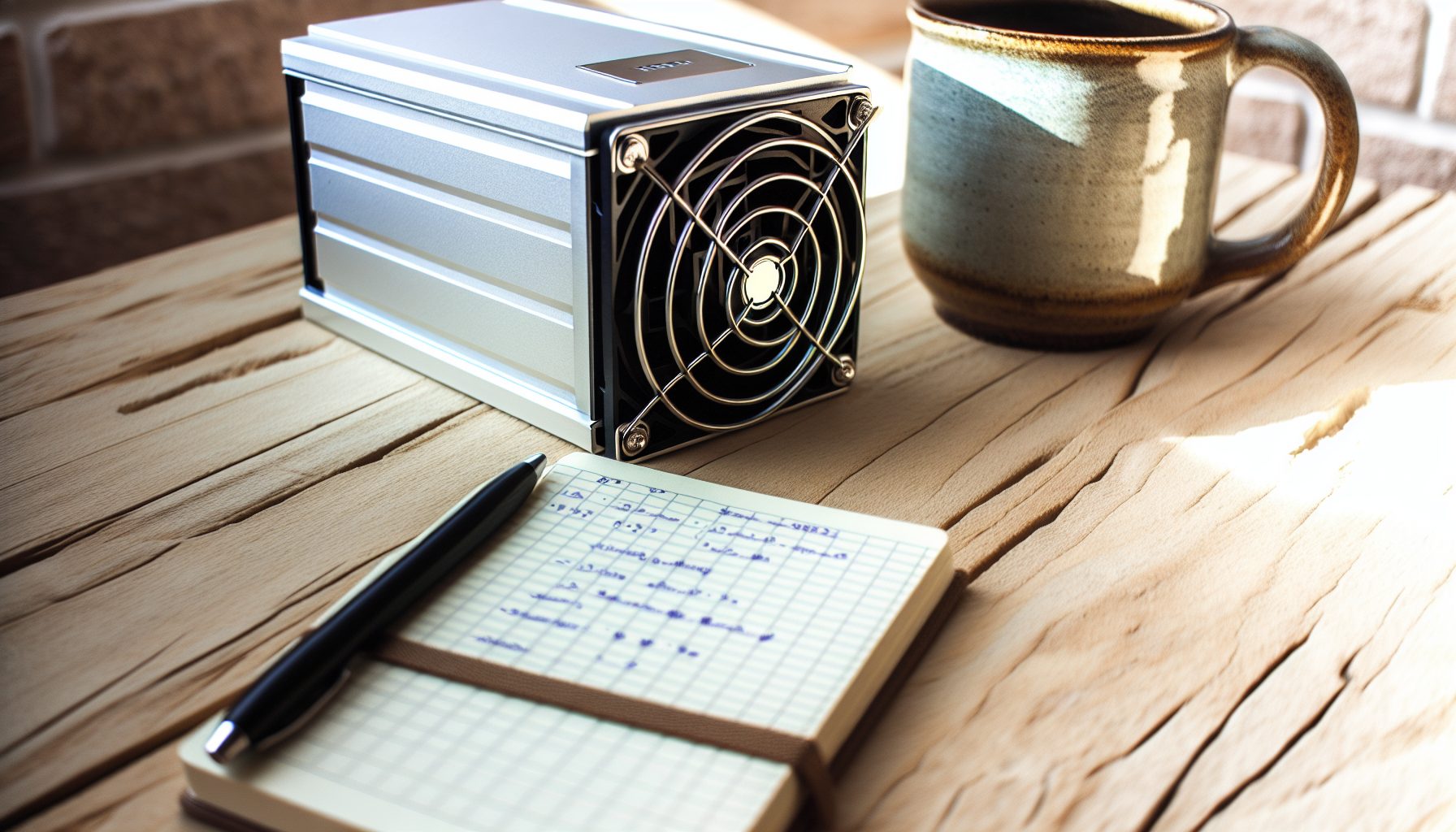
Here’s the thing: Most people will tell you that solo mining Kaspa with a 100 GH/s device is completely pointless. They’ll say you need at least a few terahashes to even have a chance. But after running the IceRiver KS0 Pro for four months straight in my bedroom, I’ve learned something important — sometimes the best mining setup isn’t about guaranteed profits, it’s about understanding the technology while keeping your electricity bill under control.
The KS0 Pro is basically the entry ticket to the Kaspa solo mining lottery. It won’t make you rich. It probably won’t even hit a block this year. But at 100 watts and roughly the price of a decent gaming headset, it teaches you kHash mining without destroying your monthly budget.
TL;DR: The IceRiver KS0 Pro delivers 100 GH/s on the kHeavyHash algorithm at 100W power consumption. Solo mining odds are roughly 1 block every 3-4 years at current network difficulty. Best used as an educational lottery miner or alongside pool mining on other hardware. Electricity cost matters more than you think. Not a profit machine, but surprisingly fun to run.
What Makes the IceRiver KS0 Pro Different for Solo Mining
The KS0 Pro sits in this weird spot that basically doesn’t exist for most cryptocurrencies anymore. It’s an ASIC miner that’s actually affordable enough for a teenager to buy without selling a kidney. When I first got into mining, everything was either a $50 USB stick that did nothing or a $5,000 beast that needed its own circuit breaker.
This little box costs around $180-220 depending on where you buy it. That’s important because it changes the psychology of solo mining completely. When you’re running a $10,000 Antminer, every day without a block feels like torture. With the KS0 Pro, it’s more like… buying lottery tickets that also heat your room and teach you about blockchain technology.
The specifications are pretty straightforward:
- Hashrate: 100 GH/s (kHeavyHash algorithm)
- Power consumption: 100W (±10%)
- Noise level: Around 35 dB (quieter than most ASICs)
- Size: Small enough to fit on a bookshelf
- Connectivity: Ethernet only, standard web interface
- Cooling: Single fan design
Compared to its bigger siblings like the IceRiver KS3M with 6 TH/s, the KS0 Pro feels almost cute. But that’s actually the point. Not everyone needs industrial-grade hashrate, especially when you’re solo mining and every block is a lottery draw anyway.
kHeavyHash Algorithm and Why Kaspa Matters
Kaspa uses the kHeavyHash algorithm, which is basically designed to be ASIC-friendly but still accessible. The network processes blocks every second (yes, really — one second block times), which creates this interesting dynamic where even small miners participate in the consensus process more actively than on Bitcoin.
Current Kaspa price: $0.0296
The block reward fluctuates based on network difficulty and chromatic adjustments, but you’re typically looking at around 280-300 KAS per block right now. That changes over time as the emission schedule continues.
What I wish I knew earlier: Kaspa’s network difficulty adjusts way faster than Bitcoin. Like, within hours instead of two weeks. This means your solo mining odds can actually change noticeably from Monday to Friday if a bunch of new hashrate comes online.
Real-World Solo Mining Performance and Block Odds
Okay, let’s talk actual numbers because this is where most articles just throw around percentages without explaining what they mean in practice.
At 100 GH/s, you’re contributing roughly 0.000074% of the total Kaspa network hashrate (as of early 2026, with network hashrate around 1.35 PH/s). The network produces approximately 86,400 blocks per day with that one-second block time.
Your expected time to find a block: 3.2 to 3.8 years.
But here’s what that actually means for solo mining: you could hit a block tomorrow, or you could run for six years and get nothing. That’s not pessimism, that’s just how probability works. Each hash attempt is independent. The miner doesn’t “remember” that you’ve been trying for months.
I totally made the mistake of thinking “well, if I run it for half a year, I’m one-sixth of the way to a guaranteed block.” That’s… not how this works. At all.
Comparing Pool Mining vs Solo Mining Returns
If you point the KS0 Pro at a mining pool instead, you’ll earn roughly 8-12 KAS per day depending on pool fees and luck. Over a year, that’s maybe 3,000-4,000 KAS with consistent operation. Small amounts, but predictable.
Solo mining with the same hardware gives you zero KAS for years, then suddenly 280 KAS all at once if you hit a block. The total expected value is roughly the same mathematically (minus pool fees), but the variance is completely different.
Here’s my honest assessment: If you need to pay your electricity bill with mining revenue, pool mine. If you’re running this as a hobby and can afford to wait potentially years for a payout, solo mining is way more exciting. I check my miner every morning hoping today is the day, and honestly that’s worth something even if it’s irrational.
Setting Up IceRiver KS0 Pro for Solo Mining Kaspa
The actual technical setup is surprisingly straightforward. IceRiver designed this thing for people who aren’t networking experts, which I really appreciate because at 13 I definitely wasn’t one when I started.
You’ll need:
- A Kaspa full node running on a computer or Raspberry Pi
- Your KS0 Pro connected to your local network via Ethernet
- A Kaspa wallet address for receiving block rewards
- Basic understanding of port forwarding (depending on your setup)
The KS0 Pro has a web interface you access through your browser. You just type in its IP address (found through your router’s admin panel), and you get a simple dashboard where you can configure pool settings — or in this case, your solo mining node.
Running Your Own Kaspa Node
For actual solo mining, you need to run your own Kaspa node. This is basically the software that validates transactions and creates block templates for your miner to work on. Without it, you’d be relying on someone else’s node, which sort of defeats the purpose of solo mining.
The Kaspa node software (rusty-kaspa) runs on Windows, Linux, and macOS. It’s not super demanding — I run mine on an old laptop that sits in the corner doing nothing else. The blockchain data is around 15-20 GB and growing, but it’s not like Ethereum where you need terabytes.
Configuration steps:
- Download and install rusty-kaspa from the official Kaspa GitHub
- Run the node with mining enabled:
kaspad --utxoindex --rpclisten=0.0.0.0:16110 - Wait for the node to fully sync (takes a few hours on first run)
- Configure your KS0 Pro to point to your local node IP and port
- Add your Kaspa wallet address in the miner settings
Don’t make my mistake: I forgot to add the --utxoindex flag the first time and spent two days troubleshooting why the miner kept rejecting shares. That flag is necessary for mining to work correctly.
If running your own node sounds complicated, you can technically use a public Kaspa solo mining pool that maintains nodes for you. But honestly, where’s the fun in that? Part of the whole solo mining experience is learning how the infrastructure actually works.
Power Consumption and Electricity Cost Reality Check
The KS0 Pro pulls 100 watts, which sounds minimal compared to most mining hardware. And it is. But over months and years, that adds up faster than you’d think.
Let’s do the math that I wish someone had shown me clearly before I started:
- 100W continuous = 2.4 kWh per day
- 2.4 kWh × 30 days = 72 kWh per month
- At $0.12/kWh (US average): $8.64/month
- At $0.25/kWh (some European countries): $18/month
- Annual electricity cost: $104-216 depending on your rate
Now here’s the critical question: In those 3-4 years before you statistically expect to hit a block, you’ll spend $312-864 on electricity. A single 280 KAS block at current prices ($0.0296) might not cover that, depending on where Kaspa’s price goes.
This is why I always tell people: Don’t solo mine the KS0 Pro expecting profit. Mine it because you’re fascinated by the lottery aspect, or because you’re learning the technology, or because the heat warms your bedroom in winter. But if your goal is making money, you’re probably better off just buying Kaspa directly.
Comparing to Other Entry-Level Solo Mining Options
For context, here’s how the KS0 Pro compares to other affordable solo mining setups:
The Goldshell Mini-DOGE Pro costs less and uses less power, but solo mining Dogecoin with 185 MH/s is even more of a lottery — you’re looking at decades between blocks. The Goldshell AL Box for Alephium offers better solo odds at similar power consumption, but costs more upfront.
GPU solo mining coins like Karlsen or Meowcoin gives you more flexibility and better resale value, but higher power costs and complexity.
The KS0 Pro sits in the middle: purpose-built, efficient, affordable, but locked to one algorithm forever.
100 GH/s kHeavyHash miner at 100W. Best entry-level option for learning Kaspa solo mining without massive electricity bills. Quiet enough for bedroom operation.
Noise and Heat Management in Home Environments
One huge advantage of the KS0 Pro: it’s actually quiet enough to run in a bedroom without losing your mind. At around 35 dB, it’s about as loud as a quiet conversation or a refrigerator humming. Way quieter than any Bitcoin ASIC.
I run mine on a small bookshelf next to my desk. The fan noise is noticeable if the room is completely silent, but once you have music playing or you’re watching YouTube, you basically forget it’s there. My mom didn’t even realize I had mining hardware running for the first two weeks, which tells you something about the noise level compared to her vacuum cleaner.
Heat output is minimal. 100W produces roughly the same heat as a standard incandescent light bulb (yes, I know those are basically banned now, but you get the comparison). In winter, it’s actually pleasant. In summer, it’s… noticeable but not terrible. I live in the Pacific Northwest where we don’t have brutal heat, so your experience might vary if you’re in Arizona or something.
Ventilation and Cooling Tips
Even though it’s not a heat monster, you should still give it some airflow. I keep mine at least 6 inches away from walls on all sides. The single fan pulls air in from one side and exhausts it out the other, so don’t block either end.
If you’re running multiple miners or live somewhere hot, check out our guide on quiet solo mining heat and noise solutions. The KS0 Pro specifically doesn’t need anything fancy, but the principles apply.
Pro tip: Put it on a small rubber mat or foam pad. This dampens any vibration noise that might transfer through your desk or shelf. I use a cheap yoga mat piece that I cut to size, and it made a noticeable difference.
Long-Term Reliability and Maintenance
I’ve been running my KS0 Pro for four months continuously (as of writing this), and it’s been basically maintenance-free. The only thing I do is check the web interface once a week to make sure it’s still hashing and hasn’t disconnected from my node.
The unit runs cool enough that dust buildup isn’t a massive concern like it is with high-power ASICs. That said, I still blow out the fan vents with compressed air about once a month. Takes 30 seconds and probably extends the fan lifespan.
One thing to watch: the Ethernet connection. I had one random disconnect after a power outage, and the miner didn’t auto-reconnect to my node properly. Had to reboot it. Now I have it plugged into a UPS (uninterruptible power supply) that I got for $40, which solves that problem.
Firmware Updates and Optimization
IceRiver occasionally releases firmware updates that improve efficiency or fix bugs. You can check their official website or community forums for announcements. Updating is simple — you just upload the new firmware file through the web interface, wait a few minutes for it to flash, and reboot.
I haven’t tried custom firmware like BraiinsOS or anything because honestly, at this hashrate and power level, there’s not much to optimize. You’re not going to squeeze out another 20 GH/s from a 100 GH/s device. The stock firmware works fine.
Is Solo Mining with KS0 Pro Worth It in 2026?
Okay, here’s my honest take after months of running this thing.
If you’re asking “will this make me money?” — probably not. The electricity costs combined with the multi-year expected block time mean you’re unlikely to come out ahead financially. Kaspa’s price would need to 10x from current levels for the math to really work out, and nobody can predict that.
But if you’re asking “is this a fun way to learn about mining and participate in the Kaspa network?” — absolutely yes. The KS0 Pro costs less than a used Xbox, uses less power than a gaming PC, and gives you real hands-on experience with cryptocurrency mining infrastructure.
What I’ve learned from running it:
- How to set up and maintain a full node
- How network difficulty affects individual miners
- How to troubleshoot connection issues and rejected shares
- What it actually feels like to solo mine (the excitement, the patience required)
- Why most people choose pool mining (because waiting years sucks)
That education is worth something, even if it’s not measurable in KAS tokens.
Who Should Consider the KS0 Pro for Solo Mining
This miner makes sense if you:
- Want to learn Kaspa mining without spending thousands
- Enjoy the lottery aspect of solo mining and can afford to potentially win nothing
- Have cheap electricity (under $0.15/kWh) or don’t care about the $10/month cost
- Appreciate the educational value of running mining infrastructure
- Think Kaspa has long-term potential and want to support the network
- Are part of the teenage solo mining community and looking for affordable entry options
This miner does NOT make sense if you:
- Need predictable monthly income from mining
- Have expensive electricity (over $0.20/kWh) and care about profit
- Don’t have the patience to potentially wait years for a block
- Want maximum hashrate for your dollar (go with KS3 or bigger instead)
- Expect guaranteed returns on your hardware investment
Basically, it’s a hobby miner, not a business investment. Treat it accordingly and you’ll have way more fun with it.
Alternative Strategies: Hybrid Pool and Solo Mining
Here’s something I’ve been experimenting with that actually makes a lot of sense: running the KS0 Pro in solo mode while also pool mining Kaspa on other hardware.
I have an old RTX 3060 Ti that I use for pool mining various coins depending on profitability. When Kaspa’s pool mining profitability looks good, I point that GPU at a Kaspa pool for steady daily payouts. Meanwhile, the KS0 Pro runs 24/7 in solo mode, quietly attempting to hit a lottery block.
This strategy gives you:
- Steady small income from pool mining (covers some costs)
- The lottery excitement of solo mining (might hit big someday)
- Educational value of running both setups
- Diversification across mining strategies
Of course, this only works if you already have other mining hardware. But if you’re reading this article, chances are you’re interested in more than just the KS0 Pro anyway.
You could also solo mine other coins simultaneously. The KS0 Pro handles Kaspa while you solo mine Monero on CPU or solo mine Ethereum Classic on GPU. Different algorithms, different odds, different learning experiences.
Community and Support Resources
One underrated aspect of the KS0 Pro: there’s a decent community around IceRiver miners and Kaspa solo mining specifically. When I ran into that weird connection issue I mentioned earlier, I found the solution in about 20 minutes by asking in the Kaspa Discord server.
Useful resources:
- Official Kaspa Discord (has a #mining channel)
- IceRiver official website (firmware updates, documentation)
- Reddit r/kaspa (mix of price talk and technical discussion)
- Various solo mining Discord communities where people share block finds
The Kaspa community is surprisingly helpful and not as toxic as some crypto communities. People generally want to help newcomers understand the technology rather than just screaming “wen moon” constantly. Maybe because Kaspa has actual technical innovations that attract developer-types rather than pure speculators.
When (if?) you hit a solo block with your KS0 Pro, definitely share it in these communities. People celebrate that stuff, and honestly it’s part of what makes solo mining fun — the shared excitement when someone beats the odds.
Tracking Your Mining Progress
The KS0 Pro’s web interface shows basic stats: hashrate, shares submitted, temperature, uptime. But for solo mining, you’ll want to also monitor your Kaspa node to see when blocks are found on the network and verify your miner is submitting valid shares.
I use a simple Python script that pings my node every few minutes and logs the data to a spreadsheet. Nothing fancy, but it lets me track uptime and catch problems quickly. If my share submission rate suddenly drops to zero, something’s wrong and I need to investigate.
Understanding how network congestion affects solo mining can also help you optimize your timing, though with Kaspa’s one-second blocks this matters less than on Bitcoin.
Protects your KS0 Pro from power outages and voltage fluctuations. Gives you clean power and prevents connection drops that waste mining time.
Final Verdict: Educational Lottery Ticket with Low Barrier to Entry
After running the IceRiver KS0 Pro for solo mining Kaspa through winter and into spring, I can honestly say it’s been worth the $200 and the electricity costs. Not because I’ve hit a block (I haven’t), and not because I expect to profit financially (I don’t), but because it’s taught me more about cryptocurrency mining than six months of reading articles ever could.
There’s something different about having actual hardware running 24/7, watching the shares get submitted, troubleshooting problems when they arise, checking the stats every morning with that tiny hope that today might be the day. It’s the digital equivalent of panning for gold — you probably won’t strike it rich, but the process itself is worthwhile.
For someone like me who got into crypto at 13 with basically no money, the KS0 Pro represented an accessible entry point. It’s cheap enough that if it breaks or becomes completely obsolete in a year, I won’t cry about it. But it’s capable enough that I’m learning real skills: node operation, network configuration, mining optimization, blockchain infrastructure.
The honest truth: You should not buy the KS0 Pro if you’re trying to make money. The ROI math doesn’t work at current Kaspa prices and network difficulty. But if you want an affordable way to learn Kaspa mining while participating in the solo mining lottery, this is probably the best option available in 2026.
Just don’t expect miracles. Expect education, some fun, possibly a space heater in winter, and maybe — just maybe — one lucky block that makes the whole thing feel like winning the lottery. Because that’s exactly what it is.
Frequently Asked Questions
How long does it take to mine 1 Kaspa block with the KS0 Pro?
The expected time to solo mine a Kaspa block with the KS0 Pro’s 100 GH/s is approximately 3.2 to 3.8 years at current network difficulty. However, this is a statistical average — you could hit a block tomorrow or never hit one at all. Each hash attempt is independent, so past time spent mining doesn’t increase your odds on the next block. This is fundamentally different from pool mining where you earn small amounts daily regardless of whether you personally find blocks.
Can I run the KS0 Pro without a full Kaspa node?
Technically yes, you can point it at a public mining pool that provides solo mining services. But this defeats much of the purpose of true solo mining since you’re relying on someone else’s infrastructure. For genuine solo mining, you need your own Kaspa node running locally. The good news is that setting up a Kaspa node isn’t particularly difficult or resource-intensive — an old laptop or Raspberry Pi 4 can handle it. The rusty-kaspa software is well-documented and the blockchain size is manageable at around 15-20 GB.
Is the KS0 Pro profitable for solo mining in 2026?
Honestly, probably not in pure financial terms. At 100W and current electricity rates, you’ll spend $104-216 per year on power. Your expected block reward of 280 KAS comes once every 3-4 years statistically, which at current prices ($0.0296) likely won’t cover those accumulated costs. The profitability equation only works if Kaspa’s price increases significantly or if you have very cheap electricity (under $0.10/kWh). View this as an educational investment and lottery ticket rather than a business venture.
How does the KS0 Pro compare to GPU mining Kaspa?
The KS0 Pro is far more efficient than GPU mining Kaspa in terms of hash-per-watt. A high-end GPU might achieve 500-800 MH/s while consuming 150-200W, giving you worse efficiency and less hashrate. However, GPUs have resale value and can mine other algorithms when Kaspa isn’t profitable. The KS0 Pro is locked to kHeavyHash forever. For solo mining specifically, the KS0 Pro’s dedicated hashrate gives you better odds than most single GPUs, but still nowhere near the odds you’d get with larger ASICs like the KS3 series.
What happens if I hit a block while solo mining with the KS0 Pro?
If you successfully mine a block, your configured Kaspa wallet address receives the full block reward (currently around 280 KAS) plus any transaction fees included in that block. There are no pool fees since you’re solo mining. The block reward goes directly to your wallet once the block is confirmed by the network. Make sure you’re using a secure wallet — consider cold storage for block rewards if you’re serious about security. Also, celebrate and share your success in the community because hitting a solo block with a small miner is genuinely exciting and rare.