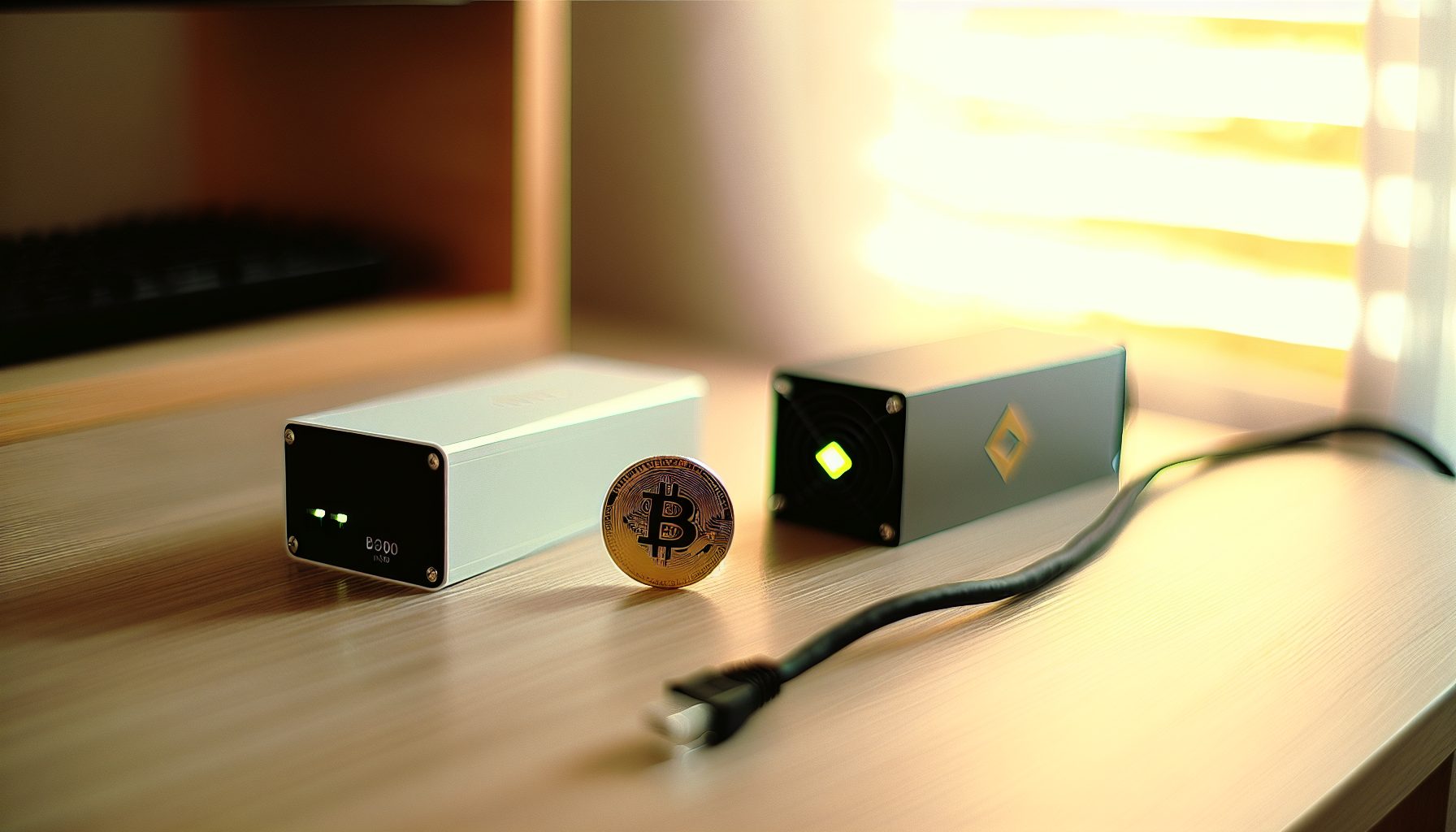
The Goldshell SC-BOX II is one of those miners that makes you think: “Wait, can I actually solo mine Siacoin from my desk?” Short answer: technically yes, but your block odds are… well, let’s just say you’d better really love the lottery aspect of solo mining.
Here’s the thing: I’ve been testing the SC-BOX II for about three months now, and it’s taught me more about Blake2b algorithm mining than any YouTube video ever could. This little box pumps out around 2.6 TH/s while sipping about 900W of power. Not exactly a NerdMiner, but way more approachable than setting up a massive ASIC farm.
TL;DR: The Goldshell SC-BOX II delivers solid Blake2b hashrate for Siacoin solo mining, but with network difficulty where it sits in 2026, you’re looking at extremely long block times unless you get incredibly lucky. It’s quiet enough for home use, reasonably efficient, and makes sense if you want to learn Blake2b mining hands-on. Just don’t expect regular payouts — this is pure lottery mining. Electricity costs will likely outpace earnings unless Siacoin price (price unavailable) jumps significantly or you catch a lucky streak.
What Makes the Goldshell SC-BOX II Different for Solo Mining
The SC-BOX II isn’t trying to compete with industrial mining operations. It’s a compact Blake2b miner designed for home miners who want to participate in Siacoin mining without transforming their garage into a data center.
At roughly 2.6 TH/s, this miner sits in an interesting sweet spot. It’s powerful enough that you’re actually submitting meaningful hashrate to the network — unlike USB lottery miners that are basically just educational toys. But it’s also small enough that you can run it from a standard household circuit without tripping breakers.
The Blake2b algorithm is what makes this hardware specialized. Unlike SHA-256 Bitcoin miners or Scrypt Litecoin ASICs, Blake2b miners like the SC-BOX II focus on coins like Siacoin and Handshake. Actually, you can dual-mine both simultaneously if you configure it right — more on that later.
What I really appreciate about this unit: it’s honestly pretty quiet compared to larger ASICs. My older brother has an Antminer in the basement that sounds like a jet engine. The SC-BOX II? More like a desktop computer running a demanding game. You’ll hear it, sure, but it won’t drive you crazy if it’s in the same room.
Goldshell SC-BOX Solo Mining Setup: Getting Started with Blake2b
Setting up the SC-BOX II for solo mining Siacoin takes more work than just plugging it into a pool. You need a full Siacoin node running, which means downloading the entire blockchain and keeping it synced.
First step: Install Sia-UI or siad (the command-line daemon) on a computer that’ll stay on 24/7. The blockchain is several hundred GB at this point in 2026, so make sure you’ve got the storage space. The initial sync takes anywhere from 2-5 days depending on your internet connection and hardware.
Once your node is synced, you’ll need to configure it to accept mining connections. Edit your Sia config file to enable the miner API and set a secure API password. This is crucial — you don’t want random people on your network submitting fake shares or messing with your node.
Then point your SC-BOX II to your local node IP address. The Goldshell interface is pretty straightforward: you enter your node’s IP, port (usually 9980 for Siacoin), and your wallet address. The miner firmware handles the Blake2b hashing and submits solutions directly to your node when it finds potential blocks.
No joke: The first time I got everything configured correctly and saw my SC-BOX II actually submitting shares to my own node instead of a pool… man, that felt good. It’s a completely different experience than pool mining where you’re just one tiny contributor in a massive hashrate ocean.
Network Configuration and Port Forwarding
Your Siacoin node needs to communicate with the broader network to receive new block templates and broadcast any blocks you find. That means opening port 9981 (Siacoin’s default P2P port) on your router.
Some solo miners skip this step and mine without incoming connections, but you’ll have slightly worse orphan rates and longer times to receive new block templates. For serious solo mining, port forwarding is worth the five minutes of router configuration.
If you’re behind CGNAT or can’t port forward, consider using a VPS running your Siacoin node and connecting your SC-BOX II to it remotely. Adds a tiny bit of latency but solves the networking headache. Check out our internet requirements guide for more details on network optimization.
Power Consumption and Real Electricity Costs
The SC-BOX II pulls approximately 900W at the wall. That’s not terrible for an ASIC, but it’s not negligible either — especially when you’re solo mining and might go months without finding a block.
Let’s do the math. At $0.12/kWh (roughly US average), you’re spending:
- Daily: 900W × 24 hours = 21.6 kWh × $0.12 = $2.59/day
- Monthly: $2.59 × 30 = $77.70/month
- Yearly: $77.70 × 12 = $932.40/year
That’s your baseline cost just to keep the thing running. Now, Siacoin block rewards vary, but as of 2026, you’re looking at roughly 300,000 SC per block. At current Siacoin prices around price unavailable, that’s… well, it depends entirely on whether SC pumps or dumps.
Here’s where solo mining gets brutal: with 2.6 TH/s against a network hashrate of 6+ PH/s (6,000 TH/s), you control about 0.04% of the network. Siacoin blocks come roughly every 10 minutes. Statistically, you’d expect to find a block every 25,000 blocks, or about 173 days.
During those 173 days, you’d spend roughly $448 in electricity. So unless that single block is worth more than $448 plus a profit margin, you’re mining at a loss. That naturally depends on Siacoin’s price staying stable or increasing.
Electricity Cost Warning: Know Your Break-Even
I’m being totally honest here: most home solo miners running an SC-BOX II will lose money on electricity unless they get really lucky with block timing or Siacoin price appreciation. This isn’t FUD — it’s just math.
If your electricity is expensive (above $0.15/kWh), the economics get even worse. At $0.20/kWh, you’re spending $129.60/month just on power. You’d need to find blocks more frequently than the statistical average or hope for significant SC price increases to break even.
Some solo miners justify this by treating it as a hobby expense — like paying for any other entertainment or learning experience. That’s totally valid if you understand what you’re getting into. Just don’t expect profits.
Solo Mining Siacoin: Realistic Block Odds and Expected Times
Let’s talk about what solo mining Siacoin actually looks like in practice with the SC-BOX II.
The Siacoin network difficulty adjusts to maintain 10-minute block times. With total network hashrate hovering around 6-7 PH/s in 2026, your 2.6 TH/s represents a tiny fraction of the total mining power. This is fundamentally different from something like solo mining Karlsen where network hashrate is lower and GPU miners can actually compete.
Your expected time to find a block: approximately 5-6 months on average. But “average” is misleading in solo mining. You could find a block your first week (I’ve seen it happen in Discord communities). Or you could run for 18 months without finding anything. That’s the nature of probabilistic mining.
What I wish I knew earlier: Solo mining is exponentially more exciting when you’re actually watching your node. Seeing your SC-BOX II submit solutions, watching rejected shares vs accepted shares, monitoring your node’s block height — it teaches you how blockchain mining actually works at a fundamental level. Way better than just checking pool payouts once a week.
Comparing Pool vs Solo Mining Returns
If you pointed this same SC-BOX II at a Siacoin mining pool, you’d earn small, consistent payouts. Probably 5,000-10,000 SC per week depending on pool fees and luck. That’s predictable income, minus the 1-2% pool fee.
Solo mining? All or nothing. You either find blocks and get the full 300,000 SC reward, or you get zero. Over a long enough timeline (years), your average earnings should theoretically match pool mining. But most home miners don’t have the patience or capital to run at a loss for months waiting for statistical variance to even out.
The emotional experience is completely different too. Pool mining is boring but reliable. Solo mining is a daily lottery ticket — you wake up, check your node logs, and either see “Block found!” or nothing. For some people (including me), that excitement is worth the worse economics.
Dual-Mining Siacoin and Handshake: Blake2b Efficiency
One of the smartest things you can do with the SC-BOX II is dual-mine Siacoin and Handshake simultaneously. Both coins use Blake2b, and the miner can work on both chains at the same time with virtually no hashrate penalty.
Handshake (HNS) has lower network difficulty than Siacoin, which means your block odds are actually better. Not “good” — still lottery-level — but better. Some SC-BOX II miners find HNS blocks every 2-3 months while waiting for their first Siacoin block.
Setting up dual-mining requires running both a Siacoin and Handshake node. Your SC-BOX II firmware lets you configure two separate mining targets. The miner alternates between submitting work to both chains, effectively giving you two lottery tickets for roughly the same electricity cost.
We have a detailed guide on Blake2b dual-coin strategy that covers the exact node configuration and firmware settings. It’s honestly the best way to maximize your SC-BOX II if you’re committed to solo mining.
Handshake Block Odds with SC-BOX II
Handshake network hashrate is typically lower than Siacoin — around 1.5-2 PH/s as of 2026. That means your 2.6 TH/s represents a larger percentage of the network, improving your statistical block time to maybe 2-3 months instead of 5-6.
Handshake block rewards are smaller (about 2,000 HNS per block), but blocks come every 10 minutes just like Siacoin. The current HNS price around price unavailable makes each block worth… well, significantly less than a Siacoin block in dollar terms.
But here’s why dual-mining makes sense: you’re already paying the electricity cost to run the SC-BOX II. Adding Handshake costs you nothing extra except the time to set up a second node. Even if HNS blocks are worth less, they’re pure bonus on top of your Siacoin attempts.
Hardware Specs and Performance: What You’re Actually Getting
Let’s break down the SC-BOX II’s actual specifications and how they compare to other Blake2b miners:
- Hashrate: 2.6 TH/s Blake2b (some units push 2.7-2.8 TH/s with good cooling)
- Power consumption: 900W ± 50W depending on ambient temperature and firmware
- Efficiency: ~346 J/TH (watts per terahash) — middle of the pack for Blake2b ASICs
- Noise level: Around 60-65 dB — noticeably loud but not unbearable
- Cooling: Two 120mm fans, pulls air front-to-back
- Connectivity: Ethernet only, no WiFi (which is actually better for mining stability)
- Size: Compact box, roughly the size of a large shoebox
The build quality is solid. Goldshell generally makes reliable hardware, and I haven’t had any component failures in my three months of testing. Fans run continuously but haven’t shown signs of bearing wear.
Temperature management is good if you give it proper airflow. I keep mine in a ventilated space with cool air intake, and chip temps stay around 60-70°C under load. If you stuff it in a closet with no airflow, temps will climb and the miner might throttle or shut down for thermal protection.
2.6 TH/s Blake2b miner for Siacoin and Handshake, 900W power draw, good for learning Blake2b solo mining without massive electricity bills.
Compared to Other Blake2b Miners
The SC-BOX II sits in the budget-to-midrange category for Blake2b ASICs. Goldshell makes larger units like the SC6 and SC6-SE that push 11-16 TH/s, but those cost significantly more and draw 2,500W+.
For solo mining specifically, bigger isn’t always better. A 16 TH/s miner gives you better block odds, sure — maybe one block every 30 days instead of 173. But it also costs 3x more upfront and burns 3x the electricity. Your break-even point gets pushed further into the future.
The SC-BOX II’s advantage is accessibility. It’s affordable enough that hobby miners can justify buying one, and the power draw is manageable on household circuits. You’re not making money, but you’re also not bankrupting yourself on electricity while you learn.
Noise and Heat Management for Home Solo Mining
Running any ASIC miner at home means dealing with noise and heat. The SC-BOX II is better than large miners, but it’s definitely not silent.
At 60-65 dB, it’s about as loud as a vacuum cleaner running continuously. You can have a conversation in the same room, but you’ll raise your voice slightly. Sleeping in the same bedroom? Probably not happening unless you’re a really heavy sleeper.
Most home solo miners put their SC-BOX II in a basement, garage, or spare room. Some people build sound-dampening enclosures, though you need to be careful about airflow — restrict cooling too much and you’ll cook the miner.
Heat-wise, the SC-BOX II dumps about 900W of thermal energy into your space. In winter, that’s free heating (not the worst thing). In summer, it’s 900W working against your air conditioning. Factor that into your total costs if you’re mining somewhere with hot climates.
I’ve found the best setup is running the miner in a garage or basement with a window fan creating negative pressure — pulls hot air out while drawing cooler air in from outside. Keeps temperatures manageable year-round. Our guide on quiet solo mining solutions has more detailed approaches if noise is a dealbreaker.
Is the Goldshell SC-BOX II Worth It for Solo Mining in 2026?
Okay, let’s cut through the technical specs and talk about whether you should actually buy this thing.
If your goal is making money: probably not. The economics don’t work unless you have ultra-cheap electricity (under $0.05/kWh) or you genuinely believe Siacoin is going to 10x in price. Pool mining with the same hardware would give you steady, predictable returns — minus pool fees but with way less variance.
If your goal is learning about Blake2b mining, running your own nodes, and experiencing the thrill of solo mining: yes, absolutely. The SC-BOX II is one of the most accessible Blake2b ASICs for home miners. It’s not so expensive that you’ll cry if Siacoin crashes, but it’s powerful enough that you’re legitimately participating in network security.
For me, the SC-BOX II has been a learning tool more than a profit machine. I’ve learned how Siacoin’s proof-of-work functions, how to optimize node performance, how to configure dual-mining setups. That knowledge carries over to other mining projects and makes me a better miner overall.
Compare this to something like the Goldshell Mini-DOGE Pro for Scrypt mining — similar concept, different algorithm. Or if you’re interested in other ASIC solo mining opportunities, check out our comparison of ASIC vs GPU for solo mining.
Better Alternatives for Different Budgets
If you have less budget: Consider GPU mining smaller Blake2b coins instead, or start with something ultra-low-power just to learn the basics. A used graphics card can mine various algorithms, giving you flexibility to switch between coins.
If you have more budget: Look at the Goldshell SC6-SE for 16 TH/s. Your block odds improve significantly (though still not “good”), and the efficiency is slightly better. Just be ready for $200+ monthly electric bills.
If you want better solo mining odds: Consider coins with lower network difficulty. Kaspa solo mining with something like an IceRiver KS3M gives you more frequent blocks, even if individual block rewards are smaller.
Alternative Blake2b Solo Mining Coins and Strategies
Siacoin isn’t your only Blake2b option. The SC-BOX II can mine any Blake2b-based coin, though Siacoin and Handshake are the most established and liquid.
Some miners experiment with mining less popular Blake2b coins that have lower difficulty. The risk: those coins often have terrible liquidity, meaning even if you find blocks, you can’t easily sell the rewards. You might be stuck holding bags of a coin nobody wants to buy.
Another strategy some solo miners use: mine to accumulate, not to sell immediately. If you believe in Siacoin’s long-term value proposition (decentralized cloud storage), then accumulating SC through mining — even at a short-term loss — might make sense as a long-term investment. That’s more philosophy than mining strategy, though.
The dual-mining approach with Siacoin + Handshake remains the most practical. You maximize your chances of finding blocks on at least one chain while supporting two separate blockchain networks.
Frequently Asked Questions
How long until I find a block solo mining Siacoin with the SC-BOX II?
Statistically, about 5-6 months on average with 2.6 TH/s against current network difficulty. But “average” is misleading — you could find one in a week or go over a year without any blocks. It’s purely probabilistic. Your actual results depend entirely on luck, just like any lottery.
Can I mine other coins besides Siacoin with the Goldshell SC-BOX II?
Yes, any Blake2b algorithm coin works. Handshake is the most popular alternative, and dual-mining both simultaneously is common. Some miners experiment with smaller Blake2b coins, but liquidity is usually terrible. Stick with Siacoin and Handshake for coins you can actually sell if you find blocks.
Is solo mining with the SC-BOX II more profitable than pool mining?
Over a long enough timeline, they should theoretically equal out (solo mining avoids 1-2% pool fees). But in practice, most home miners don’t have the capital to weather months of zero returns. Pool mining gives consistent payouts — smaller but reliable. Solo mining is all-or-nothing gambling. Choose based on your risk tolerance and patience.
What are my monthly electricity costs running the Goldshell SC-BOX II?
At 900W continuous draw, you’ll use about 648 kWh per month. At $0.12/kWh (US average), that’s roughly $78/month. At higher electricity rates like $0.20/kWh, it jumps to $130/month. Calculate your local rate and make sure you can stomach those costs for potentially months without finding blocks.
Do I need to run a Siacoin full node to solo mine with the SC-BOX II?
Yes, absolutely. Solo mining requires pointing your miner at your own node — that’s what makes it “solo” instead of pool mining. The node needs to be fully synced and running 24/7. Budget for several hundred GB of storage and a few days of initial blockchain sync time. If that sounds too complicated, pool mining might be a better fit.