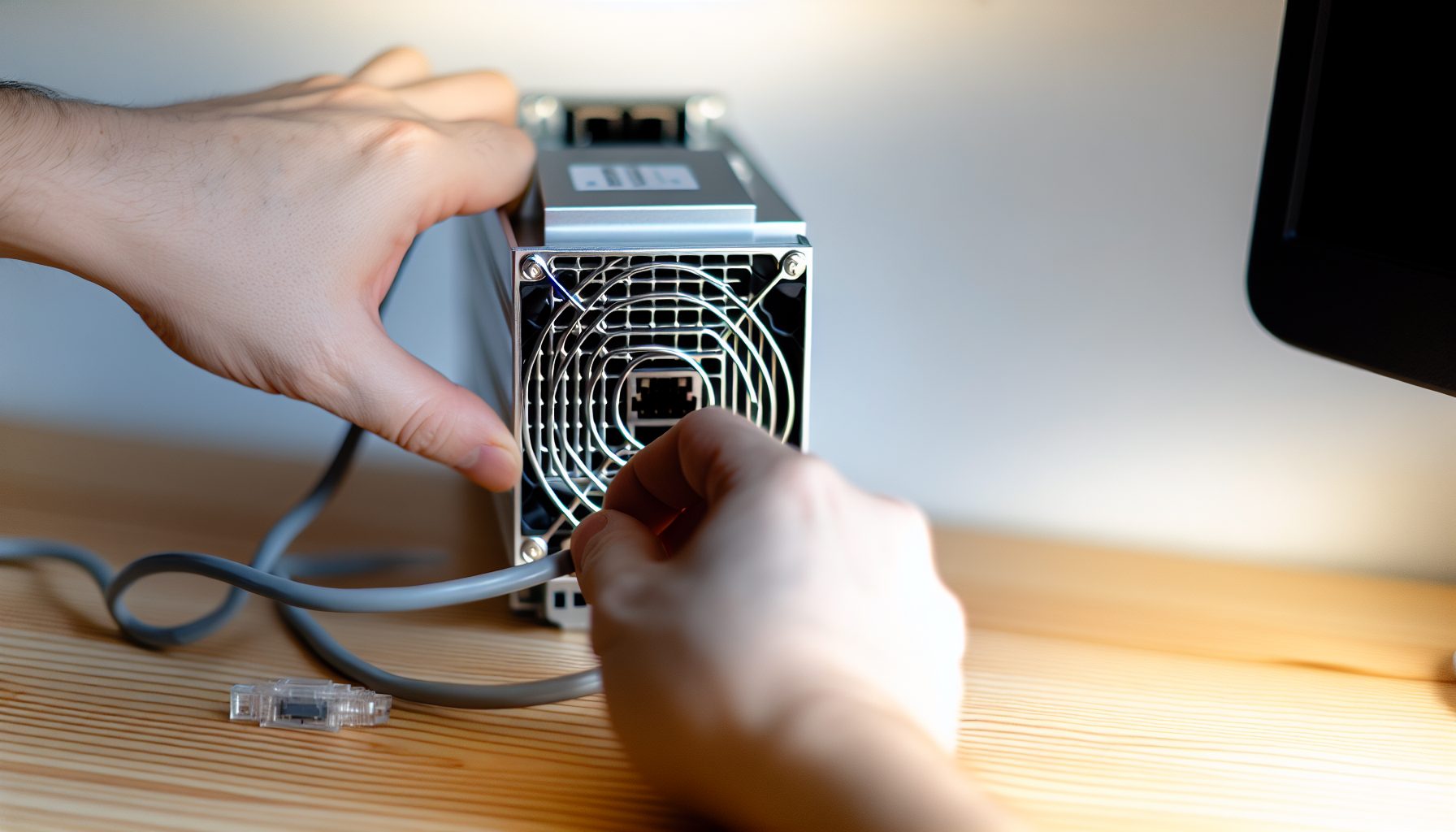
Look, when I first heard about the Antminer L7, I thought: “That’s a beast I’ll never afford.” And honestly? I still can’t drop that kind of money. But here’s the thing: if you’re serious about solo mining Scrypt coins like Litecoin and Dogecoin, the L7 is basically the top dog right now. My friend’s dad runs one in his garage, and I’ve spent enough time around it to give you the real picture — not just the marketing hype.
The Antminer L7 isn’t some budget-friendly entry point like my Bitaxe setup. This machine costs thousands of dollars and sounds like a jet engine. But if you want actual chances at hitting solo blocks on Litecoin or Dogecoin, you need serious hashrate. That’s what the L7 delivers.
In this guide, I’ll walk you through everything you need to know about using an Antminer L7 specifically for solo mining. We’re talking setup, configuration, realistic expectations, and whether it actually makes sense in 2026.
Why the Antminer L7 for Solo Mining Litecoin and Dogecoin
The L7 mines Scrypt — that’s the algorithm both Litecoin and Dogecoin use. What makes this machine special is merged mining: you mine both coins simultaneously. You don’t split your hashrate or anything complicated. You just… get both block rewards when you hit a block.
Real talk: that’s pretty cool.
The current L7 models push around 9.5 GH/s (that’s gigahash per second, not the TH/s we use for Bitcoin miners). At roughly 3,425 watts, this thing pulls more power than most space heaters. You’ll need a 220V circuit unless you want to trip breakers constantly.
There are different variants:
- L7 9.5 GH/s: The most common version, solid hashrate
- L7 9.3 GH/s: Slightly lower output, sometimes cheaper
- L7 8.8 GH/s: Older batch or slightly underperforming units
For solo mining specifically, you want every bit of hashrate you can get. The 9.5 GH/s model makes the most sense if you’re buying new.
Merged Mining: The L7’s Secret Weapon
What I wish I knew earlier: merged mining isn’t some complicated setup. When you point your L7 at the Litecoin blockchain, you’re automatically mining Dogecoin too. They share the same proof-of-work, so you get Dogecoin rewards as a bonus.
Current prices matter here. Litecoin sits at $53.66 and Dogecoin at $0.0928. When you hit a solo block, you get:
- 12.5 LTC (Litecoin block reward)
- Plus whatever Dogecoin blocks you solve simultaneously
That merged mining setup is covered in detail in our Scrypt merged mining guide, but basically: more rewards for the same work.
Antminer L7 Hardware Specs for Solo Mining
Let’s get technical for a second. If you’re considering an L7 for solo mining, you need to know exactly what you’re getting into:
- Hashrate: 9,500 MH/s (9.5 GH/s)
- Power consumption: 3,425W (±10%)
- Efficiency: 0.36 J/MH
- Noise level: 75 dB (seriously loud)
- Cooling: 4x fans, needs serious airflow
- Network: Ethernet only
- Weight: About 13 kg
That noise level is no joke. My friend’s dad built a custom ventilated box because his wife threatened to throw it out. It’s louder than my mom’s hairdryer and runs 24/7.
Top Scrypt ASIC miner with 9.5 GH/s hashrate for solo mining Litecoin and Dogecoin simultaneously through merged mining. Pulls 3,425W so plan your electricity setup carefully.
Power Requirements You Can’t Ignore
Depending on your setup, 3,425 watts means different things. In most homes, you’ll need a dedicated 220V circuit. Standard 110V outlets max out around 1,500-1,800 watts safely. Do the math — you’d blow the breaker immediately.
My friend’s dad had an electrician install a new circuit. Cost him about $300. That’s on top of the miner price. Factor that in before you buy.
Monthly power consumption at 3,425W running 24/7:
- Daily: 82.2 kWh
- Monthly: ~2,466 kWh
- At $0.10/kWh: $246.60 per month
- At $0.15/kWh: $369.90 per month
Those electricity costs eat into your profits hard. We’ll get to ROI later, but this is the reality check everyone needs upfront.
Setting Up Your Antminer L7 for Solo Mining
Okay, you’ve got your L7. It arrived in a massive box. Now what?
Physical setup first:
Find a cool, ventilated space. Basements work great if they’re not damp. Garages are okay in winter but brutal in summer. Spare rooms work if you can handle the noise and heat.
Connect your 220V power supply. Double-check the voltage switch on the PSU matches your country (most come set for 220V by default). Connect Ethernet cable to your router. Power it on.
Initial Configuration Steps
The L7 has a web interface. Super straightforward.
- Find the miner’s IP address (check your router’s connected devices list, or use an IP scanner app)
- Type that IP into your browser: usually something like 192.168.1.XXX
- Default login: root / root (change this immediately for security)
- Navigate to the Miner Configuration page
Now here’s where solo mining gets specific.
Configuring for Solo Litecoin Mining
You have two main options for solo mining with an L7:
Option 1: Point directly to your own Litecoin node
This is the purest form of solo mining. You run a full Litecoin node on your own hardware, then point the L7 at it. Pros: complete control, no middleman. Cons: requires technical knowledge and a dedicated computer running 24/7.
For the node setup, you’ll need Litecoin Core downloaded and fully synced. That’s about 100GB of blockchain data currently. Once synced, you configure the node to accept mining connections and point your L7 at your local IP.
In the L7 config:
- Pool URL: stratum+tcp://YOUR_LOCAL_IP:9332
- Worker: your Litecoin wallet address
- Password: x
Option 2: Use a solo mining pool like CKPool
This is what most people actually do. Solo mining pools handle the node infrastructure but still pay you the full block reward if you find a block. The solo mining pool structure means you’re still competing alone — the pool just provides the connection infrastructure.
For Litecoin solo mining, the main option is solo.ckpool.org’s Litecoin variant:
- Pool URL: stratum+tcp://solo.ckpool.org:3333
- Worker: YOUR_LTC_ADDRESS.workername
- Password: x
Make sure you’re using a proper solo mining wallet — something where you control the private keys. Not an exchange address.
Merged Mining Configuration
Here’s the cool part: you don’t need separate pools for Dogecoin. When you mine Litecoin, the merged mining happens automatically in the background. Your Dogecoin rewards get sent to an auxiliary address.
Some pools require you to specify both LTC and DOGE addresses. Check the specific pool’s documentation. With CKPool’s setup, you typically add your Dogecoin address as a second parameter:
- Worker: YOUR_LTC_ADDRESS.workername
- Password: DOGE=YOUR_DOGE_ADDRESS
That tells the pool where to send your Dogecoin rewards when you hit a block.
Realistic Solo Mining Odds with the Antminer L7
Okay, real talk time. What are your actual chances?
Litecoin network hashrate fluctuates, but it’s currently sitting around 1.5-1.8 PH/s (petahash). That’s 1,500,000 GH/s to 1,800,000 GH/s. Your L7 pushes 9.5 GH/s.
Do that math:
9.5 GH/s / 1,500,000 GH/s = 0.00063% of the network
Litecoin finds a block roughly every 2.5 minutes. That’s about 576 blocks per day.
Your expected time to find a block: approximately 911 days with current network conditions.
That’s two and a half years.
Now before you close this tab in despair, remember: that’s the average. Mining is probabilistic. You could hit a block tomorrow. Or in three years. That’s literally how lottery mining works.
Dogecoin Merged Mining Odds
Dogecoin has faster block times (1 minute) and currently lower difficulty relative to Litecoin. Your odds of hitting a DOGE block are actually better — roughly every 220-250 days on average.
That’s still 7-8 months, but way better than LTC.
The catch? Dogecoin blocks reward 10,000 DOGE currently. At $0.0928, that’s significantly less valuable than a Litecoin block reward of 12.5 LTC at $53.66.
But here’s the mental shift: you’re mining both simultaneously. Your effective odds are better because you have two separate lotteries running with the same hashrate.
Variance and Luck Factor
What I wish I knew earlier: solo mining rewards are insanely variable. That 911-day average for Litecoin? Someone with identical setup might hit a block in 30 days. Another person might wait 1,800 days.
This isn’t like pool mining where you get predictable daily payouts. With solo mining, you might go months with zero income, then suddenly land a $2,000+ block reward. That psychological rollercoaster isn’t for everyone.
Check out our block reward guide for more on how payouts actually work.
Electricity Costs vs Profitability Analysis
Let’s run the honest numbers. No BS.
Operating an Antminer L7 costs roughly $0.10-0.15 per kWh for most people. At 3,425W continuous:
- Daily cost at $0.10/kWh: $8.22
- Monthly cost: $246.60
- Yearly cost: $2,959.20
At $0.15/kWh (more realistic for many US states):
- Daily cost: $12.33
- Monthly cost: $369.90
- Yearly cost: $4,438.80
Now the revenue side. This gets tricky with solo mining because income is unpredictable. But let’s calculate expected value:
If you hit one Litecoin block in 911 days:
- Revenue: 12.5 LTC × $53.66 = ~$1,500-2,000 depending on price
- Electricity spent (911 days at $0.10/kWh): $7,488
- Net result: roughly -$5,500 over 2.5 years
Oof.
Add in the Dogecoin blocks (expected 3-4 over the same period at current rates), and you might add another $1,000-1,500 in value. Still negative.
When Does It Make Sense?
Honestly? Solo mining with an L7 makes financial sense in a few specific situations:
- Cheap electricity: If you pay under $0.06/kWh (hydroelectric regions, solar panels), the math changes significantly
- Price speculation: You believe LTC/DOGE will increase substantially and you’re HODLing the rewards
- Learning experience: The educational value and excitement of potentially hitting a block matter more to you than guaranteed profit
- Tax benefits: You can write off electricity costs against mining income (check local laws)
For most people, pool mining the L7 would generate consistent income that outweighs the solo mining lottery aspect. But we’re not most people, right? We’re solo miners who value the thrill.
Monitoring and Optimization Tips
Once your L7 is running, you’ll want to monitor it regularly. The web interface shows real-time hashrate, temperature, and fan speeds.
Key things to watch:
Temperature: Chip temps should stay under 80°C ideally. If you’re hitting 90°C+, you need better cooling. Open a window, add external fans, improve ventilation. High temps kill hardware lifespan.
Hashrate consistency: Your reported hashrate should stay near 9.5 GH/s. If it drops significantly or fluctuates wildly, you might have a hardware issue or overheating problem.
Error rates: The interface shows hardware error percentages. Under 1% is normal. Above 3-5% indicates problems — usually overheating or power supply issues.
Firmware and Overclocking
Stock firmware works fine, but some people use custom firmware like Braiins or VNish to squeeze extra performance. This is pretty advanced territory and voids warranties, so I won’t go deep here.
Depending on your cooling setup, you might get the L7 up to 9.8-10 GH/s with custom firmware. But that usually means higher power draw (3,600-3,800W) and more heat. For solo mining specifically, that extra 5% hashrate improves your block-finding odds by… 5%. It’s marginal.
Honestly, I’d run stock firmware unless you really know what you’re doing.
Alternative Options: Should You Consider Other Miners?
Look, the L7 is the king of Scrypt mining right now. But it’s expensive and power-hungry. What else is out there?
Antminer L3+ and L3++
The older generation Scrypt miners. L3+ pushes around 504 MH/s at 800W. Way less powerful than the L7, obviously.
For solo mining? Your odds with an L3+ are basically lottery ticket territory — we’re talking thousands of days expected time to block. It’s more of a learning device at this point, similar to running a NerdMiner for Bitcoin.
Some people run multiple L3+ units instead of one L7. The economics can work if you find used L3+ miners super cheap. But honestly, at that point, just save up for the L7.
Older generation Scrypt miner that’s significantly less powerful than the L7. Okay for learning merged mining basics on a budget but solo block odds are extremely low.
Goldshell Mini-Doge and Mini-Doge Pro
These compact Scrypt miners are way quieter and lower power than the L7. The Mini-Doge Pro does about 205 MH/s at 220W.
They’re honestly pretty cool for desk mining. But for solo mining Litecoin or Dogecoin? Your odds are even worse than the L3+. You’re looking at decades for expected time to block.
I’d consider these for pool mining or just as a fun learning tool, not serious solo attempts.
Just Run More L7s?
Here’s a thought: instead of one L7, what if you ran multiple units? Your odds scale linearly. Two L7s cut your expected time to block in half (455 days instead of 911).
But you also double the power cost, space requirements, noise, and heat. Unless you’re running a dedicated mining operation with cheap power, this gets impractical fast.
If you’re considering multi-ASIC setups, you’re honestly approaching small mining farm territory. At that point, pool mining probably makes more financial sense even if it’s less exciting.
Stay Away From: Common L7 Mistakes
I’ve watched my friend’s dad troubleshoot his L7 enough to know the common pitfalls. Here’s what NOT to do:
Don’t run it in an enclosed space: I know someone who tried running an L7 in a closet. The thing overheated within hours and went into thermal protection mode. ASICs need airflow. A lot of it.
Don’t cheap out on power supply: Some people try to power L7s with generic PSUs. Bad idea. You need stable, clean power at the rated wattage. The included Bitmain PSU or equivalent quality is essential.
Don’t point it at an exchange address: Seriously, never mine directly to Coinbase or Binance or whatever. If you hit a solo block, you want that going to a wallet YOU control. Exchanges can freeze accounts, have issues, whatever. Not worth the risk when we’re talking thousands of dollars in a single payout.
Don’t ignore the noise: I keep mentioning this because people constantly underestimate it. 75 dB is LOUD. That’s construction site level. Your family will hate you. Your neighbors might complain. Plan for soundproofing or a separate space.
Don’t forget about dust and maintenance: ASICs suck in massive amounts of air. That means dust accumulation. Clean the fans and heat sinks every few months or performance degrades. People skip this, then wonder why their hashrate drops.
My Honest Take: Is the Antminer L7 Worth It for Solo Mining?
Okay, here’s where I give you the straight truth as a 13-year-old who can’t actually afford one of these things but has spent enough time around them to form an opinion.
The Antminer L7 is a beast. It’s the best Scrypt miner available. If you want serious solo mining odds on Litecoin and Dogecoin, this is your machine.
But financially? It’s tough.
Unless you have really cheap electricity (under $0.08/kWh) or you’re bullish enough on LTC/DOGE prices to HODL through years of waiting, the math doesn’t favor solo mining an L7. You’ll spend thousands in electricity costs before hitting a block, and even when you do, it might not cover your expenses.
Pool mining the L7 would give you consistent returns. Probably $100-200 monthly profit after electricity at current prices. That’s stable income versus the massive variance of solo mining.
So why would anyone solo mine with an L7?
Because it’s exciting. Every day you wake up with the chance — however small — that you found a block overnight. That notification would be incredible. Full block reward, all yours. No pool fees, no sharing. Just you and the blockchain.
That’s the real reason people solo mine. Not because it’s the most profitable strategy, but because it’s the most thrilling one.
If you value that experience and you can afford the electricity costs without stressing about ROI, go for it. The L7 gives you legitimate chances at Litecoin and Dogecoin blocks. Your odds aren’t amazing, but they’re real.
If you need mining to pay for itself consistently, stick with pool mining or consider smaller hardware for learning. My Bitaxe costs me $2/month in electricity and teaches me the same concepts without the financial pressure.
Secure Your Winnings
Finding a solo block means receiving 3.125 BTC directly to your wallet — currently worth over $250,000. That amount should never sit on an exchange.
Two hardware wallets we recommend for solo miners:
Ledger Nano X (~$149) — Industry standard, supports BTC natively
Buy Ledger Nano X
Trezor Model T (~$179) — Open-source firmware, strong community trust
Buy Trezor Model T
Frequently Asked Questions
Can I solo mine Litecoin with an Antminer L7 from home?
Yeah, technically you can. The main challenges are power and noise. You need a 220V circuit installed (most homes only have 110V outlets), and the noise level is around 75 dB — that’s really loud. If you have a basement, garage, or spare room with good ventilation and you’re okay with the sound, it’s doable. Just expect your electricity bill to jump by $200-400 per month depending on your rates.
How long until I find a block solo mining with 9.5 GH/s?
With current Litecoin network difficulty, an L7’s 9.5 GH/s gives you an expected time to block of roughly 900-1000 days. That’s about 2.5 years on average. For Dogecoin, it’s faster — around 220-250 days expected. But remember, these are statistical averages. You could hit a block next week or wait five years. Solo mining is inherently unpredictable, which is kind of the whole point.
Is it better to pool mine or solo mine with an Antminer L7?
Depends what you want. Pool mining gives you consistent income — probably $100-200 monthly profit after electricity at current prices. Solo mining means potentially months or years of zero income, then one massive payout when you hit a block. Financially, pool mining is safer. But solo mining is way more exciting if you can handle the variance. Check out our detailed comparison for more on this decision.
Do I need to run a full Litecoin node to solo mine with the L7?
No, you don’t have to. You can point your L7 at a solo mining pool like CKPool which handles the node infrastructure for you. You still get the full block reward if you find a block — the pool just provides the connection. Running your own node is more purist and gives you complete control, but it requires technical knowledge and a dedicated computer running 24/7. Most solo miners use pools honestly.
What happens to my Dogecoin rewards when merged mining?
When you solo mine Litecoin with the L7, you’re automatically mining Dogecoin too through merged mining. Your Dogecoin rewards get sent to a separate DOGE wallet address you specify in your pool configuration. If you hit a Litecoin block, you get 12.5 LTC. If you hit a Dogecoin block (which happens faster statistically), you get 10,000 DOGE. You can hit both types of blocks independently — they’re separate lotteries running simultaneously with the same hashrate.