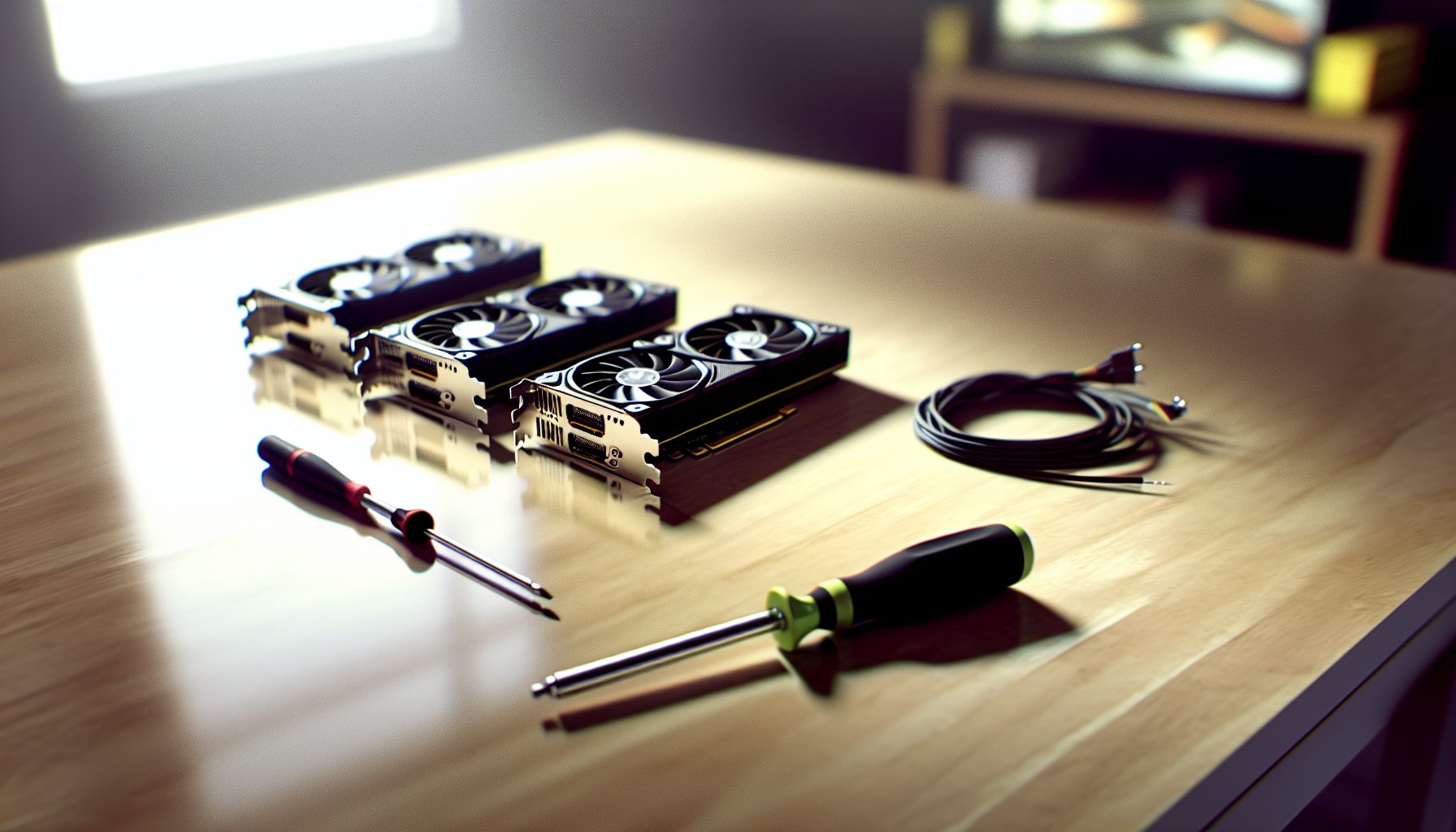
Why I Started Mining Ergo (And Why You Might Want To)
Last summer, I was looking for a GPU-friendly coin that wasn’t Ethereum. You know, something that wouldn’t turn my small mining operation into an unprofitable hobby overnight. That’s when I stumbled across Ergo.
The network difficulty was reasonable. The memory requirements weren’t insane. And honestly? The project felt like it had actual substance behind it, not just hype.
Setting up my first solo mining rig for Ergo taught me a lot about what actually matters when you’re going at it alone. Not pool mining where you get steady drips of rewards, but proper solo mining where you’re competing for entire blocks.
Quick explanation: Ergo (ERG) uses the Autolykos v2 algorithm, which is designed to be ASIC-resistant and memory-hard. That means GPUs with decent memory bandwidth have a fighting chance. You don’t need the latest $1,500 card to participate.
Understanding Ergo Mining Requirements Before You Start
Here’s what you need to know: Ergo mining needs GPUs with at least 4GB of VRAM. Actually, 6GB is safer because the DAG size grows over time. If you’ve mined Ethereum Classic or other memory-hard coins, you already understand why this matters.
The hashrate on Ergo is measured in MH/s (megahashes per second). A decent mid-range GPU like the RTX 3060 Ti does around 100-110 MH/s on Ergo. That’s your baseline.
Now, the network hashrate for Ergo fluctuates between 25-35 TH/s depending on market conditions. When ERG price pumps, more miners jump in. Price drops? They leave. This volatility is something you need to factor into your solo mining strategy.
Power consumption varies wildly by GPU and your tuning skills. Some cards are power-hungry beasts. Others run surprisingly efficient if you dial in the settings correctly. We’ll get into specifics below.
Is Solo Mining Ergo Actually Realistic?
Honestly? It depends on your hashrate.
With a single GPU pushing 100 MH/s against a 30 TH/s network, your chance of finding a block solo is pretty slim. We’re talking lottery ticket odds. But here’s the thing: if you DO hit a block, you get the full reward (roughly 67.5 ERG right now, minus transaction fees).
I’ve seen miners with 4-6 GPU rigs hit solo blocks. It happens. But you need realistic expectations. This isn’t pool mining where you get paid every few hours. You might mine for weeks without finding anything, then suddenly hit two blocks in one day.
That naturally depends on your setup and luck. Some people love the gamble. Others hate it and switch to pools after a month of nothing.
Best GPUs for Your Ergo Solo Mining Setup
Let me break down the cards I’ve tested personally and what I’ve learned from the community. Not everything is worth your money.
NVIDIA Cards: The Reliable Workhorses
NVIDIA cards generally perform solid on Ergo’s Autolykos algorithm. They’re not always the most efficient, but they’re stable and well-supported by mining software.
Around 110-115 MH/s at 120-130W after tuning. Excellent hashrate-to-power ratio makes this my favorite mid-range choice for Ergo mining.
The 3060 Ti hits a sweet spot. Good availability on the used market now. Reasonable power draw. Strong performance on Ergo. If you’re building a dedicated rig, these make sense.
Delivers 115-120 MH/s at similar power levels to the 3060 Ti. Slightly more expensive but very stable in 24/7 operation.
The 3070 is basically a 3060 Ti with marginally better performance. If the price difference is small, grab it. If it’s significantly more expensive? Stick with the 3060 Ti.
Pushes 180-190 MH/s but draws 220-240W. Good if you want fewer cards with higher individual hashrate.
I use one of these in my main rig. It’s a beast but runs hot and hungry. You need good cooling and cheap electricity to justify it.
AMD Cards: Better Efficiency, Trickier Setup
AMD cards often outperform NVIDIA on efficiency for Ergo, but driver issues can be annoying. When they work, they work great.
Around 90-95 MH/s at just 75-85W after optimization. Ridiculously efficient but harder to find at good prices.
If efficiency is your priority, this card is brilliant. Less than 1W per MH/s is achievable with proper tuning. The lower hashrate per card means you’ll need more of them though.
Delivers 130-140 MH/s at 110-120W. Strong performance with good memory bandwidth for Ergo’s algorithm.
This is probably my pick if I were building an all-AMD rig today. Good balance of hashrate and power consumption. Available on the used market at reasonable prices now.
Older Cards That Still Work
You don’t need the latest hardware. Some older cards run perfectly fine on Ergo, especially if you’re just testing the waters.
The GTX 1660 Super does about 65-70 MH/s at 75-80W. Not impressive by modern standards, but if you have one lying around, it works. The RX 580 8GB pulls similar numbers but draws more power.
Beginner tip: Start with whatever GPU you already own. Mine for a week or two. See if you actually enjoy this before dropping money on dedicated hardware.
Building Your Ergo Solo Mining Rig: The Practical Stuff
Once you’ve decided on GPUs, you need the rest of the system. This doesn’t have to be complicated.
Motherboard and CPU: Keep It Simple
You need a motherboard with enough PCIe slots for your GPUs. Mining-specific boards exist with 6-12 slots, but honestly, a standard gaming motherboard with 4 slots works fine for smaller setups.
CPU doesn’t matter much. Any cheap Intel Celeron or AMD equivalent is enough. You’re not gaming here. The CPU just needs to initialize the GPUs and run the mining software. I’ve used a $50 Celeron for years without issues.
RAM? 4GB is technically enough. 8GB gives you breathing room. Don’t overthink this.
Power Supply: Don’t Cheap Out Here
This is where people make mistakes. You need a PSU that can actually handle your GPUs under full load with headroom.
Calculate your total power draw: Add up all GPU power + CPU/motherboard (maybe 50W) + 20% safety margin. For a 4x RTX 3060 Ti setup pulling 130W each, that’s 520W for GPUs + 50W system + 114W margin = 684W minimum. I’d get an 850W PSU to be safe.
Get 80+ Gold rated or better. The efficiency matters when you’re running 24/7. A cheap no-name PSU might save you $50 upfront but cost you more in electricity and risk frying your cards.
Reliable 850W power supply with enough cables for multi-GPU setups. Solid choice for 3-4 card mining rigs.
Risers and Frame: Making It All Fit
Unless you’re running just one GPU, you’ll need PCIe risers. These let you space out your cards for better cooling instead of cramming them all on the motherboard.
Get powered risers (the ones with 6-pin PCIe or SATA power connectors). Unpowered risers can cause stability issues with power-hungry cards.
For the frame, you can buy a mining-specific open-air frame for $40-80, or build one from aluminum angles for cheaper. I’ve seen people use old wooden shelves. As long as the cards have airflow, it works.
Configuring Your Ergo Mining Software: What Actually Works
Software choice matters more than you’d think. Some miners crash randomly. Others perform better on specific GPUs. Here’s what I’ve used.
lolMiner: My Go-To for AMD Cards
lolMiner supports both AMD and NVIDIA but shines on AMD cards. It’s actively maintained and gets regular updates for new coins and algorithms.
Basic configuration for solo mining with lolMiner looks like this:
For Windows batch file:
- lolMiner.exe –algo AUTOLYKOS2 –pool [your node IP]:3056 –user [your ERG wallet address]
The –pool parameter points to your Ergo node if you’re running one locally. For pure solo mining, you need your own node. More on that below.
T-Rex Miner: Strong NVIDIA Performance
T-Rex is closed-source but performs really well on NVIDIA cards. The developer fee is 1%, which is reasonable.
Configuration example:
- t-rex.exe -a autolykos2 -o stratum+tcp://[node IP]:3056 -u [wallet address] -p x
T-Rex has good overclocking features built in. You can set core clock, memory clock, and power limits directly in the config file instead of using external tools.
NBMiner: Good Alternative
NBMiner works on both AMD and NVIDIA. I’ve used it as a backup when lolMiner was acting up. Performance is comparable.
The syntax is similar to T-Rex:
- nbminer -a ergo -o stratum+tcp://[node IP]:3056 -u [wallet]
Setting Up Your Ergo Node for Solo Mining: The Missing Piece
Here’s where many guides gloss over the details. For true solo mining, you need your own Ergo node. You can’t just point your miner at a pool address and call it solo mining.
Running an Ergo node isn’t complicated, but it does require some resources. You need:
- At least 50GB of free disk space (the blockchain grows over time)
- 4GB RAM minimum, 8GB better
- A decent internet connection for syncing
- Java JDK installed
Installing the Ergo Node
Download the latest node software from the official Ergo GitHub. You’ll get a JAR file that runs on any system with Java.
When I set this up last year, the initial sync took about 12 hours on my system. That naturally depends on your hardware and connection speed. The node needs to download and verify the entire blockchain.
Edit the node configuration file to enable mining. You need to set your wallet address and open the mining port (default 3056). The config file has clear comments explaining each setting.
Once synced, your node validates transactions and allows your mining software to connect directly to the Ergo network. This is how you compete for blocks without going through a pool.
Alternative: Solo Mining Through Pools
Some pools offer “solo mining” mode where you mine through their infrastructure but keep full block rewards (minus a small fee). This isn’t true solo mining, but it’s easier to set up.
Pools like Woolypooly and Flypool support this. You connect like normal pool mining but use a special solo port. The pool provides the node infrastructure while you get 100% of any blocks you find.
The tradeoff? You pay a small fee (usually 1-1.5%) and trust the pool to actually give you the full reward. Most reputable pools honor this, but it’s not the same as running your own node.
Optimizing GPU Settings for Maximum Hashrate and Efficiency
Stock settings waste electricity. Proper tuning can boost your hashrate by 10-20% while reducing power consumption. This is where you actually make money or lose it.
Overclocking AMD Cards on Windows
Use AMD’s built-in Radeon Software or a tool like MSI Afterburner. For Ergo on AMD cards, memory clock matters more than core clock.
For an RX 6700 XT, I run:
- Core Clock: -200 MHz (underclocked for efficiency)
- Memory Clock: +1000 MHz (this is where Ergo performance comes from)
- Power Limit: 70-75%
- Fan Speed: Auto or 70% fixed depending on temps
Start conservative with memory overclocking. Push it up in 100 MHz steps while monitoring for crashes or invalid shares. Every card is different.
Tuning NVIDIA Cards
NVIDIA cards respond well to undervolting. You can often maintain full hashrate while cutting 20-30W of power consumption.
For an RTX 3060 Ti on Ergo:
- Core Clock: Locked at 1200 MHz (use MSI Afterburner’s curve editor)
- Memory Clock: +1200 MHz
- Power Limit: 120W
Undervolting requires MSI Afterburner’s voltage-frequency curve. It’s a bit fiddly at first, but once you learn it, you can apply similar profiles to all your NVIDIA cards.
Monitoring Temperatures and Stability
GPUs should stay under 75°C for long-term reliability. Memory junction temps (if your card reports them) should stay under 95°C.
If you’re seeing invalid shares or periodic crashes, your overclock is unstable. Dial back the memory clock by 100 MHz and test for 24 hours.
I use HWiNFO64 on Windows or nvidia-smi on Linux to monitor temps and power draw. Check your stats every day for the first week, then weekly once things are stable.
The Reality Check: Ergo Solo Mining Profitability and ROI
Let’s talk numbers. Real numbers, not hype.
At current network conditions (30 TH/s network hashrate, 67.5 ERG block reward, $1.50 ERG price), here’s what different setups look like:
Single GPU (100 MH/s)
Your chance of finding a block per day is roughly 0.3%. That’s about one block every 333 days on average. Could happen tomorrow, could take two years. That’s the nature of solo mining.
If you hit a block, you get 67.5 ERG = $101.25 at $1.50/ERG. Your electricity cost for 333 days at 120W and $0.12/kWh = $114.91. You’re basically breaking even IF you find a block.
This is why single-GPU solo mining is more lottery than business.
4-GPU Rig (400 MH/s)
Four cards bump your odds to about 1.2% per day. Roughly one block every 83 days on average. Still gambling, but more reasonable.
Power consumption: 480W continuous. At $0.12/kWh for 83 days = $114.91 electricity cost per expected block. Block reward at current prices = $101.25. Still barely profitable.
Honestly? You need cheaper electricity or higher ERG prices for this to make financial sense. Which brings me to an important point.
Why People Solo Mine Anyway
Solo mining isn’t always about immediate profit. Some miners do it because:
- They believe in Ergo long-term and expect the price to rise
- They enjoy the thrill of potentially finding blocks
- They want to support network decentralization
- They have cheap or free electricity
These are valid reasons. Just don’t fool yourself into thinking solo mining is easy money with current network conditions.
Electricity Cost Warning
This is crucial: Know your electricity rate before you start. If you’re paying $0.20/kWh or more, GPU mining probably doesn’t make sense unless ERG price pumps significantly.
Calculate your break-even point. A 4-GPU rig pulling 480W at $0.20/kWh costs $1,687 per year in electricity alone. You’d need to mine 1,125 ERG at $1.50 to break even. That’s 16.7 blocks. Possible but tight.
I’ve seen people mine at a loss for months, hoping the coins they accumulate will appreciate. Sometimes it works out. Sometimes they’d have been better off just buying ERG directly.
Comparing Solo Mining to Pool Mining: When Does Each Make Sense?
Solo mining sounds cool, but pool mining has advantages too. Let’s be honest about both.
Pool Mining Advantages
Pools give you steady, predictable income. Instead of waiting months for a solo block, you get payouts every few hours or days depending on pool size.
You don’t need to run your own node. Just point your miner to the pool address, and you’re done. Setup takes 5 minutes instead of hours.
Smaller operations benefit most from pools. If you have 1-2 GPUs, pool mining makes way more sense. You’ll actually see returns instead of gambling on unlikely block finds.
The downside? Pool fees (usually 1%) and smaller individual rewards since you’re sharing with everyone else.
When Solo Mining Makes Sense
Solo mining becomes more viable when:
- You have 4+ GPUs pushing 400+ MH/s combined
- You enjoy the lottery aspect and can handle variance
- You want the satisfaction of finding full blocks yourself
- You’re technically inclined and enjoy running your own infrastructure
Successfully got her mom into Monero mining—on an old laptop. If that works, anything does. But for Ergo solo mining, I usually recommend pool mining first to see if you even like mining before committing to a solo setup.
The Hybrid Approach
Some miners split their hashrate. Maybe 3 GPUs on a pool for steady income, 2 GPUs solo mining for the occasional big win. It’s a middle ground that covers both bases.
The community is the most valuable thing about mining—you learn so much from others. Other miners have tried different strategies and can tell you what worked for them.
Troubleshooting Common Ergo Mining Issues
Things will go wrong. Here’s what I’ve encountered and how to fix it.
Low Hashrate
If your GPU is performing below expected numbers:
- Check that you’re using the latest mining software
- Verify your overclock settings aren’t too aggressive (causing throttling)
- Make sure your GPU drivers are up to date
- Check temps—thermal throttling kills hashrate
I had an RX 6700 XT that was doing only 90 MH/s instead of 135 MH/s. Turned out the thermal pads on the memory were garbage. Replaced them with quality pads, and hashrate jumped back up.
Invalid Shares
Invalid shares mean your GPU is producing incorrect results. Usually caused by:
- Memory overclock too high
- GPU overheating
- Unstable power delivery
Dial back your memory overclock by 100-200 MHz. If invalid shares drop to zero, you’ve found the issue.
Mining Software Crashes
Random crashes are annoying but fixable:
- Try a different mining software (switch from T-Rex to NBMiner, for example)
- Update your GPU drivers
- Check your PSU isn’t overloaded
- Lower your overclock settings
Some GPUs just don’t play nice with certain mining software. I’ve had cards that crashed hourly on one miner but ran perfectly on another.
Node Sync Issues
If your Ergo node won’t sync:
- Check that port 9030 is open in your firewall
- Verify you have enough disk space
- Try connecting to different peer nodes
- Make sure your system time is accurate
Node problems are frustrating because they stop your entire mining operation. That’s one advantage of pool mining—you don’t deal with this.
Secure Your Winnings
Finding a solo block means receiving 3.125 BTC directly to your wallet — currently worth over $250,000. That amount should never sit on an exchange.
Two hardware wallets we recommend for solo miners:
Ledger Nano X (~$149) — Industry standard, supports BTC natively
Buy Ledger Nano X
Trezor Model T (~$179) — Open-source firmware, strong community trust
Buy Trezor Model T
Frequently Asked Questions
Is solo mining Ergo profitable with one GPU?
Honestly? Probably not. With a single GPU pushing 100 MH/s, you’re looking at finding a block roughly once every 11 months on average. That’s a long time to wait for a payout, and electricity costs will eat into any rewards. Pool mining makes more sense for single-GPU setups unless you have extremely cheap electricity and just want to gamble on hitting a lucky block. The math doesn’t really favor solo mining until you have 4-6 GPUs running together.
How much hashrate do I need for realistic Ergo solo mining success?
I’d say 400 MH/s minimum to have reasonable odds. That’s roughly 4x RTX 3060 Ti cards or 3x RTX 3080s. At that hashrate level, you’re finding a block every 2-3 months on average, which is manageable. Below 300 MH/s, you’re really pushing into lottery territory where you might wait 6+ months between blocks. Some people are fine with that variance, but it’s not for everyone. Check your patience level before committing to a solo setup with lower hashrate.
Do I really need to run my own Ergo node for solo mining?
For true solo mining where you’re competing directly on the network, yes. You need your own node to validate blocks and submit your solutions. However, some pools offer “solo mining” modes where you mine through their infrastructure but keep full block rewards minus a small fee. This is easier to set up but not technically pure solo mining. If you’re just testing the waters, starting with a pool’s solo mode makes sense before committing to running your own node.
What’s the best GPU for Ergo mining in terms of efficiency?
The AMD RX 6600 XT wins on pure efficiency, pulling around 90 MH/s at just 75-80W after tuning. That’s less than 1W per MH/s, which is excellent. For NVIDIA cards, the RTX 3060 Ti offers the best balance at 110 MH/s for 120W. If you want maximum hashrate per card regardless of efficiency, the RTX 3080 pushes 180-190 MH/s but draws significantly more power. Your choice depends on whether you prioritize efficiency or total hashrate.
Can I switch between solo and pool mining easily?
Yes, switching is just a configuration change in your mining software. You’d change the pool address from your local node to a pool’s address and restart the miner. Takes maybe 2 minutes. Some miners keep two configuration files ready—one for solo mining and one for pool mining—and switch based on network conditions or their mood. There’s no penalty for switching back and forth, so you can experiment with both approaches and see what you