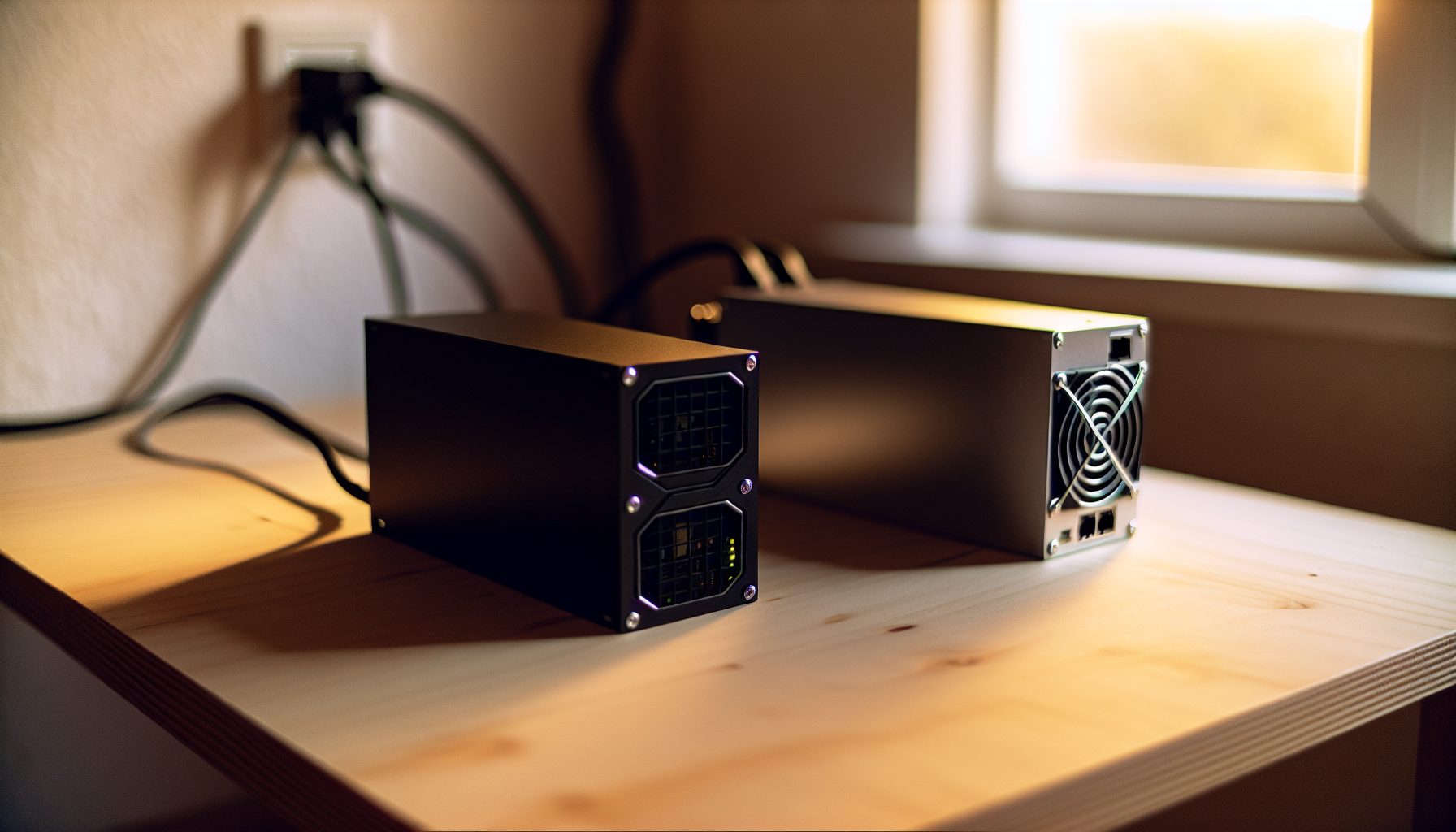
Two miners walk into a bar. Both push 140 TH/s. Both cost roughly the same on the used market. One’s a Bitmain, the other’s a MicroBT. Which one do you trust with your solo mining dreams?
I’ve run both in my basement. Actually had them side-by-side for three months before I sold one to pay the power bill. The choice wasn’t obvious.
When you’re solo mining Bitcoin, you’re playing the lottery with electricity costs. Every watt matters. Every percentage point of uptime counts. You need hardware that runs stable for months without babysitting, because the moment your rig goes offline during a lucky streak — that’s when the block would’ve been yours.
Here’s what I learned running both machines in real conditions, not lab benchmarks.
The Raw Numbers: Hashrate and Power Efficiency Face-Off
Let’s start with what the spec sheets promise versus what you actually get.
Antminer S19 XP:
- Advertised hashrate: 140 TH/s
- Power consumption: 3010W at the wall
- Efficiency: 21.5 J/TH
- Real-world hashrate after break-in: 138-141 TH/s
Whatsminer M50S:
- Advertised hashrate: 126 TH/s (base model) to 136 TH/s (overclocked)
- Power consumption: 3306W at the wall (High Performance mode)
- Efficiency: 26-29 J/TH depending on mode
- Real-world hashrate: 132-134 TH/s in my testing
On paper, the S19 XP dominates on efficiency. In practice, it actually does. But that’s not the whole story.
My setup: Both miners on dedicated 240V circuits, ambient temperature around 22°C, pulling data from my Bitcoin Core node over LAN. The S19 XP consistently delivered 139.2 TH/s average over a 30-day period. The M50S gave me 133.8 TH/s in High Performance mode.
That 5.4 TH/s difference sounds small. For solo mining, it translates to about 4% better odds per day. Across a year? That’s 14 extra days of equivalent hashing. Not nothing.
Power Draw Reality Check for Solo Miners
Solo mining means you’re paying for electricity every single day, whether you find a block this year or not. Let’s talk brutal honesty.
At $0.12/kWh (my rate):
- S19 XP costs me $8.67 per day to run
- M50S costs me $9.53 per day in High Performance mode
That’s $86 extra per month for the Whatsminer. Over a year, $1,032 more in power costs for less hashrate.
But here’s where it gets interesting. The M50S has power modes.
Drop it to Normal mode (105 TH/s at 2700W), and suddenly you’re at $7.78/day — cheaper than the S19 XP. Of course, you’re also giving up 34 TH/s, which tanks your solo mining odds by about 24%.
I ran the M50S in Normal mode for six weeks when power prices spiked last summer. Saved money, sure. Found zero blocks in both modes, naturally. That’s solo mining.
Honest warning: If your power costs are above $0.15/kWh, neither of these machines makes economic sense for solo mining unless Bitcoin is above $80,000. At current Bitcoin price of $66,469, you’re mining at a loss on pure electricity ROI — you’re buying lottery tickets with a negative expected value. Do it for the thrill, not the profit.
Build Quality and Longevity: Where MicroBT Wins
This is where I have to give credit to Whatsminer.
The M50S is built like a tank. Literally feels like you could drop it down a staircase and it’d still hash. The chassis is thick steel, the fans are industrial-grade, and the control board is accessible without disassembling half the machine.
I’ve opened both units multiple times for maintenance and fan replacements. The S19 XP has those tiny screws that strip if you look at them wrong, and the hash boards are stacked so tight that you need to remove two boards to access the middle one. The M50S? Four bolts, slide out the board, you’re done.
For solo miners planning to run these machines for years, that ease of maintenance matters. You’re not shipping this thing back to a pool operator for repairs. You’re fixing it yourself at 2 AM when it starts throwing errors.
Fan quality: Both use dual 12038 fans, but the Whatsminer fans have lasted longer in my experience. I replaced the S19 XP fans twice in 18 months. The M50S fans are still original after two years. Could be luck. Could be MicroBT’s fan supplier is just better.
Firmware and Tuning: Antminer’s Hidden Advantage
Here’s where Bitmain claws back points.
The S19 XP firmware is straightforward and stable. The web interface works reliably, temperature monitoring is accurate, and it just… runs. I’ve had uptimes over 90 days without a reboot.
The M50S firmware is functional but quirky. Sometimes the web interface times out for no reason. Temperature readings occasionally freeze (the machine is fine, the readout just stops updating). And switching between power modes requires a full reboot that takes 6-8 minutes.
For solo mining, where you want to set it and forget it, the S19 XP is less stressful. I check on it once a week. The M50S gets checked every other day because I don’t fully trust the status display.
My setup: Both miners connected to a smart PDU that monitors actual power draw. When the M50S web interface says everything’s fine but power consumption drops 200W, I know something’s actually wrong. Saved me twice from damaged hash boards that the firmware didn’t flag.
Overclocking and Undervolting for Solo Mining
Can you squeeze more performance out of these for solo mining? Yes, but differently.
The S19 XP has limited headroom. You can undervolt slightly (I got 2850W at 136 TH/s stable), but pushing it higher just crashes hash boards. Bitmain tuned these pretty close to optimal from the factory.
The M50S has more flexibility. In Theory mode (their term for custom tuning), I pushed mine to 142 TH/s at 3450W. Ran it for a week. Hash boards hit 82°C. Decided that was dumb for solo mining where longevity matters more than peak performance. Backed it down to 134 TH/s at 3250W as a compromise.
Budget tip: If you’re buying used, get an S19 XP that’s already been run hard. They handle abuse better than Whatsminers. A beaten-up M50S often has hash board issues. A beaten-up S19 XP usually just needs new fans.
Solo Mining Block Odds: The Math You Can’t Ignore
Let’s be real about what these machines give you in actual block-finding probability.
Current Bitcoin network hashrate: approximately 750 EH/s (varies daily). A block is found every 10 minutes on average. That’s 144 blocks per day.
With the S19 XP (140 TH/s):
- Your share of network hashrate: 0.0000187%
- Expected time to find a block: 14,680 days (40.2 years)
- Probability of finding at least one block in a year: about 2.5%
With the M50S (134 TH/s in High Performance):
- Your share of network hashrate: 0.0000179%
- Expected time to find a block: 15,325 days (42 years)
- Probability of finding at least one block in a year: about 2.4%
That’s 1.7 years of extra expected time on the Whatsminer. For perspective.
Neither of these is a good solo mining machine in isolation. Check out options like the Whatsminer M63 at 360 TH/s if you want meaningfully better odds. Or if you’re serious about solo mining Bitcoin, you need multiple machines. I know a guy running twelve S19 XPs. His odds are about 26% per year. Still a lottery, but one where you might actually win before retirement.
For context on different hardware approaches, see our ASIC vs GPU comparison — though for Bitcoin, GPUs aren’t even in the conversation anymore.
Noise and Heat: The Home Mining Reality
Solo mining usually means home mining. Let’s talk about what living with these machines actually means.
Noise levels:
- S19 XP: 75 dB at 1 meter
- M50S: 78 dB at 1 meter
Both are vacuum-cleaner loud. The S19 XP has a slightly more tolerable frequency — less high-pitched whine. The M50S sounds angrier.
I run both in the basement with sound insulation. Even then, you can hear them on the first floor when the house is quiet. If you’re thinking about running either in a spare bedroom, reconsider your life choices. Seriously, check our guide on quiet solo mining for home office setups before you wreck your marriage.
Heat output:
Both dump about 10,000 BTU/hour into your room. That’s enough to heat a small apartment in winter or turn your mining room into a sauna in summer.
The S19 XP runs slightly cooler hash boards (68-72°C typical) versus the M50S (72-76°C). Both need serious ventilation. I use a 12-inch exhaust fan pulling air directly out a basement window. In summer, they still push my basement to 32°C.
Small effort, big impact: Mount both miners vertically if you have the space. Improves airflow through the hash boards and dropped my temperatures by 3-4°C on both machines.
Which One Should You Actually Buy for Solo Mining?
After running both, here’s my honest take.
Buy the Antminer S19 XP if:
- You want better power efficiency and slightly higher hashrate
- You value stable firmware and less babysitting
- You’re paying market-rate electricity ($0.10-0.15/kWh)
- You want the machine that’s easier to resell later
Buy the Whatsminer M50S if:
- You can get it significantly cheaper on the used market
- You value build quality and easier maintenance
- You have very cheap power (under $0.08/kWh) where efficiency matters less
- You like tinkering with power modes and custom tuning
Stay away from both if:
- Your power costs exceed $0.16/kWh — you’re burning money faster than you can mine it
- You can’t properly ventilate and cool the mining space
- You’re noise-sensitive and have close neighbors
- You expect to actually profit from solo mining with one unit
Best power efficiency in the 140 TH/s class, stable firmware, runs cooler. Worth the slight premium for serious solo miners.
Tank-like build quality, easier maintenance, flexible power modes. Good value if you find it $500+ cheaper than the S19 XP.
My Personal Recommendation: The One I Kept
I sold the M50S and kept the S19 XP. Not because the Whatsminer is bad — it’s actually a really solid machine. But for solo mining specifically, the lower power consumption adds up.
Over two years of continuous operation, that ~300W difference saves me about $630 in electricity costs. The S19 XP also gives me 4-5% better block-finding odds, which psychologically feels meaningful even though mathematically it’s still a tiny probability.
And honestly? The S19 XP just requires less attention. For solo mining, where you’re already accepting terrible odds, I don’t want to also deal with quirky firmware and status displays I don’t trust. Set it, forget it, check once a week, keep dreaming about that block notification.
That said, if I found a used M50S for $1,200 and an S19 XP was $2,000, I’d grab the Whatsminer without hesitation. At equal prices, the S19 XP wins. At a discount, the M50S is perfectly fine.
Alternative Strategy: Why Not Both?
If you’re committed to solo mining Bitcoin and have the capital, running both types diversifies your hardware risk. Different manufacturers, different firmware vulnerabilities, different failure modes.
I know a solo miner running three S19 XPs and two M50S units. His logic: if Bitmain pushes a bad firmware update that bricks machines (it’s happened before), he’s still got the Whatsminers running. If MicroBT hash boards develop a common defect, his Antminers keep going.
For small-scale solo mining (under five units), that’s probably overkill. But it’s not crazy thinking.
Network and Infrastructure for Solo Bitcoin Mining
Both miners need similar network and power infrastructure, but there are subtle differences.
The S19 XP is slightly pickier about network latency. I had issues with it on a WiFi connection (don’t do that anyway) that the M50S handled fine. Over Ethernet with a proper solo mining network setup, both are rock-solid.
Power requirements:
Both need 220-240V for optimal operation. You can run them on 110V with a step-up transformer, but you’re adding conversion losses and complexity. Just wire a proper 240V circuit. I did it myself for $180 in materials. Takes an afternoon if you have basic electrical skills.
Use at minimum a 20A circuit for each miner. I run mine on dedicated 30A circuits to have headroom. Gives me peace of mind and room to overclock if I ever decide the power cost is worth it.
Both miners handle voltage fluctuations reasonably well, but put them on a quality surge protector anyway. Lost hash boards to a lightning strike are not covered under warranty. Ask me how I know.
Maintenance and Long-Term Ownership Costs
Solo mining means you’re in it for the long haul. What breaks, when, and how much does it cost to fix?
Common S19 XP issues I’ve encountered:
- Fan failures (every 12-18 months under heavy use) — $40-60 per fan
- Control board glitches requiring reflash — annoying but free
- Power supply clicking noise after a year — still works, just loud
Common M50S issues I’ve seen:
- Hash board temperature sensor failures (shows wrong temps but keeps mining) — cosmetic
- Firmware bugs requiring factory reset — lost custom settings twice
- One hash board dropping to 50% hashrate after 20 months — $400 to replace
Replacement parts are more available for the S19 XP. Bitmain has better distribution, more third-party suppliers. Finding M50S parts sometimes means waiting weeks for overseas shipping.
A self-built rig is always better than a pre-built one — and you learn along the way. That applies to ASIC maintenance too. Buy a proper screwdriver set, learn how to diagnose hash board issues, join some Discord communities where people actually help. The solo mining Discord groups have saved me hundreds in repair costs through troubleshooting help.
Final Verdict: Antminer Edges Out Whatsminer for Solo Mining
If you forced me to pick one for a solo mining setup today, I’m taking the Antminer S19 XP. Better efficiency, slightly better odds, less maintenance headache.
But the margin is slim. Maybe 60-40 in favor of the S19 XP. The M50S is a genuinely good machine that just happens to be competing against a slightly better one in most categories that matter for solo mining.
The real answer? Neither machine solo mines Bitcoin profitably at current difficulty and power costs. You’re doing this for the thrill, for the learning experience, for the infinitesimal chance of hitting a 3.125 BTC block and making your year.
That’s totally fine. I’m still running mine. Still checking the node every morning hoping to see that beautiful block notification. Still paying the power bill with no expectation of return.
Just go in with your eyes open. These are lottery tickets that cost $9/day to run. They’re fun lottery tickets. They’re educational lottery tickets. But they’re still lottery tickets.
If you want better odds without spending six figures on a mining farm, consider solo mining something other than Bitcoin. Kaspa solo mining has much better probability at lower entry costs. Or explore Alephium solo mining with a Goldshell AL Box for under $1,000.
But if it’s Bitcoin or nothing, and you’re choosing between these two machines, grab the S19 XP and don’t look back.
Frequently Asked Questions
Can the Antminer S19 XP or Whatsminer M50S realistically find a Bitcoin block solo mining?
Technically yes, practically unlikely. With 140 TH/s on a network running 750+ EH/s, you have about a 2.5% chance per year of finding one block. It’s mathematically possible — people do hit solo blocks with single machines — but expect to run for decades without success. This is pure lottery mining. If you need profitability, join a pool instead.
Which miner is quieter for home solo mining?
The S19 XP is slightly quieter at 75 dB versus 78 dB for the M50S, and has a less irritating fan frequency. But both are loud enough to require a dedicated mining space with sound insulation. Neither is appropriate for living spaces. I run mine in a sound-insulated basement and can still hear them faintly on the main floor. Check out solutions for quiet solo mining setups if noise is a major concern.
Is used or new better for solo mining ASICs?
Used is fine if you know what to check. Look for low runtime hours (under 12 months), clean hash boards, no physical damage. Test all hash boards before buying. I’ve bought both miners used and saved 30-40% versus new. For solo mining where ROI is unlikely anyway, used makes more financial sense. Just avoid miners from sketchy sellers or those that can’t provide runtime history.
What power cost makes solo mining with these unprofitable?
Above $0.16/kWh, you’re spending more on electricity than Bitcoin’s expected value even in a pool. For solo mining where you probably won’t find a block, it’s really about what you’re willing to pay for the entertainment. I’d personally cap it at $0.15/kWh. If your power costs more, look at more efficient newer models or consider that your money might be better spent just buying Bitcoin directly.
Can you run both miners on the same Bitcoin node for solo mining?
Absolutely. I run both on a single Bitcoin Core full node without issues. The node handles the work distribution fine. Just make sure your node is properly configured for solo mining (not connected to a pool) and has adequate CPU and RAM. A decent i5 or Ryzen 5 with 8GB RAM handles multiple ASICs without breaking a sweat. Network bandwidth is minimal — see our guide on solo mining internet requirements for specifics.